

WonderBrain – the app that connects the teacher, the child and the parents

A task for the class in a few minutes
Topics from the national curriculum with ready-made questions. Children solve them on their phones, and you see who has learned it, who is still learning and who is stuck.
The console runs in your computer's browser. We verify each account so that only real teachers reach the children.
The whole class plays on one screen
A real recording: children answer on their phones while their characters climb and drop along the shelves on the class screen. Revision becomes an event.
- Join: children scan the code and each one's character appears on the wall.
- Answer: everyone sees the question and how many have answered. Nobody sees who chose what.
- Climb and drop: a right answer lifts a child one shelf, a wrong one drops them one. Nobody is knocked out.
- Win: ropes pull up the top three and lower them onto the podium one by one.
- All you need is a computer connected to a TV or projector. You choose the questions.
Silent video with English captions. Recorded in the real app and console with made-up children; the screens are in Lithuanian.
The console at work
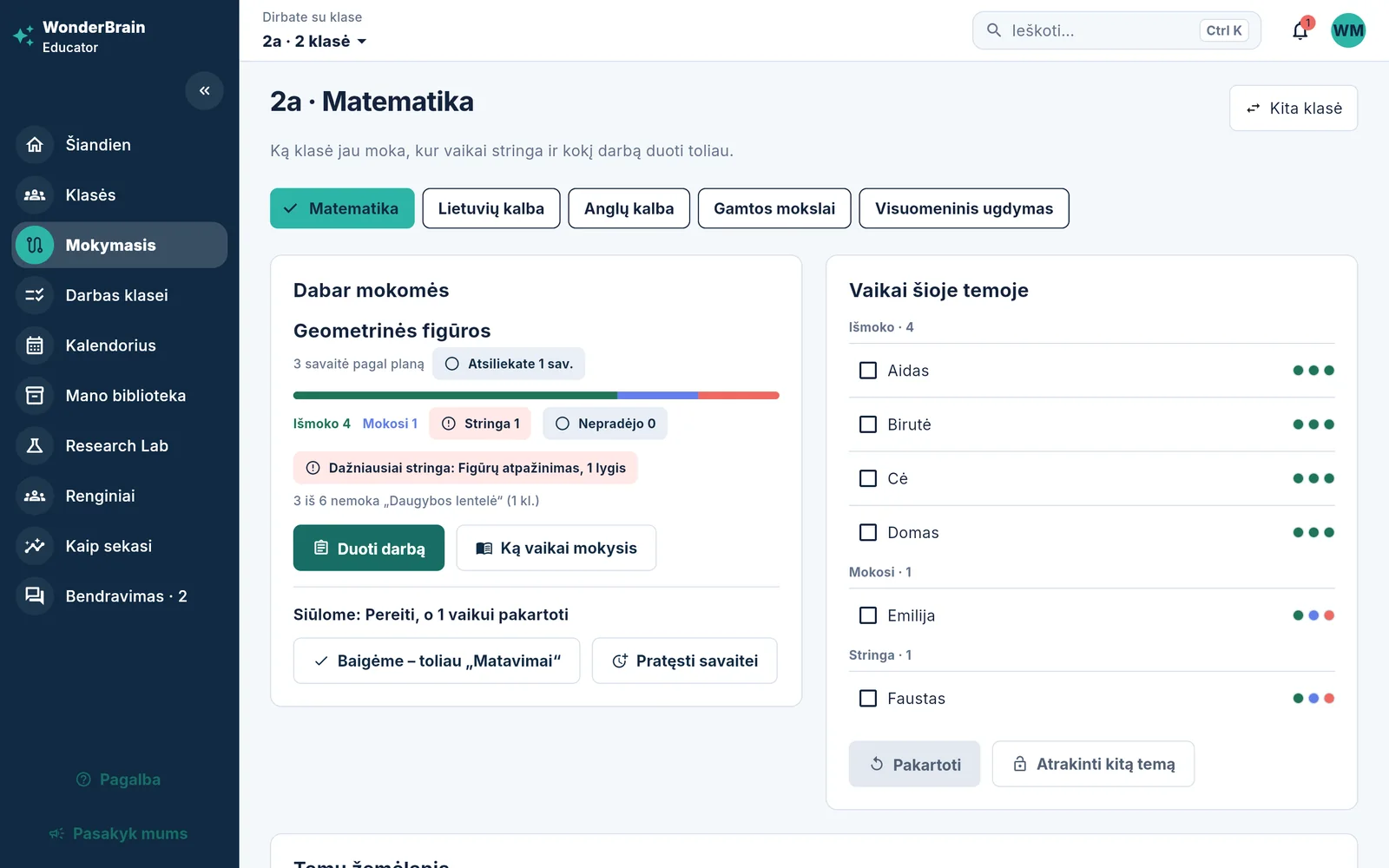
Real console recordings: the calendar, a new assignment, who has learned what, and a lesson from your own material.
- Calendar: lessons follow your timetable; click a lesson to see its topic and what the children will get on their phones.
- An assignment in a minute: class, subject, topic, type and number of questions. You can drag work to another day.
- For every topic – who has learned it, who is still learning and where children get stuck most often.
- A lesson from your own material: a PDF, Word or PowerPoint file or a photo of a textbook page; you choose the class and topic.
- Scanned PDFs: the pages are recognised, and a diagram you mark becomes the question's picture. For now this is a trial preview.
- Before assigning, you review the summary, the pairs and the questions with a quote from the source. Children only get what you approve.
- Charts: the class's week, topic mastery and who needs help
Silent video with English captions. Recorded in the real app and console with made-up children; the screens are in Lithuanian.
How it works
Real console screens: from the morning when you open the console to the moment you know what each child can already do.
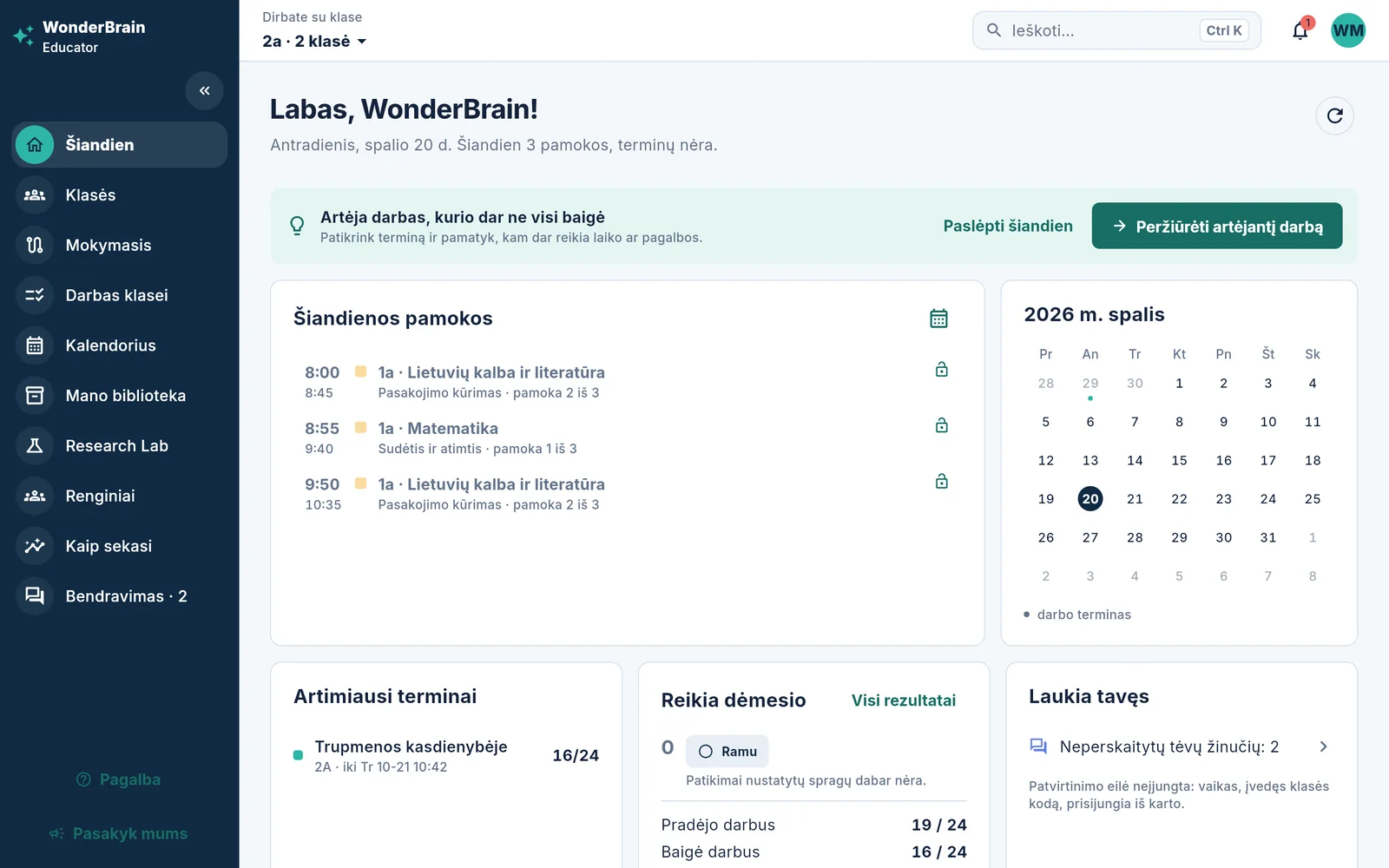
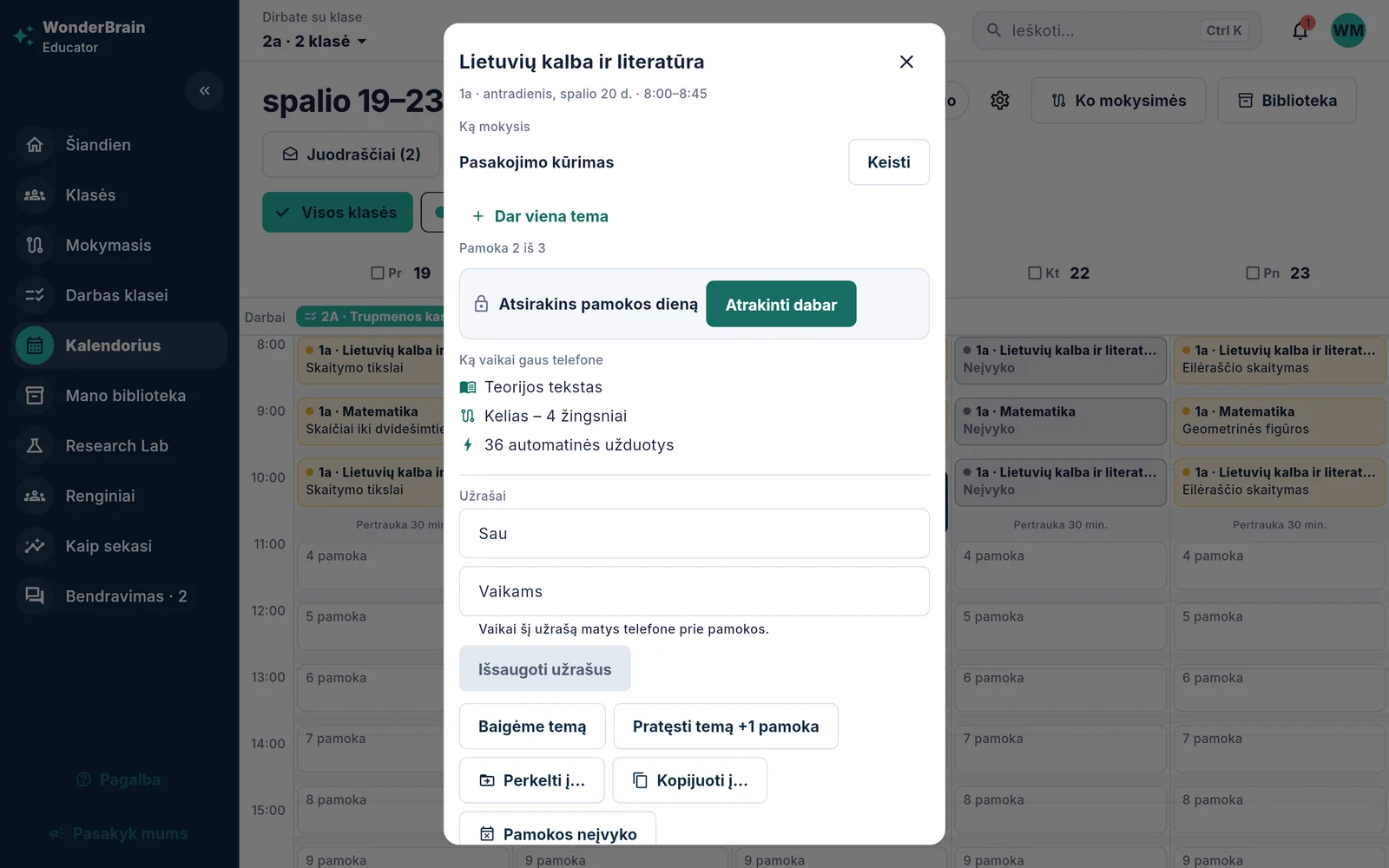
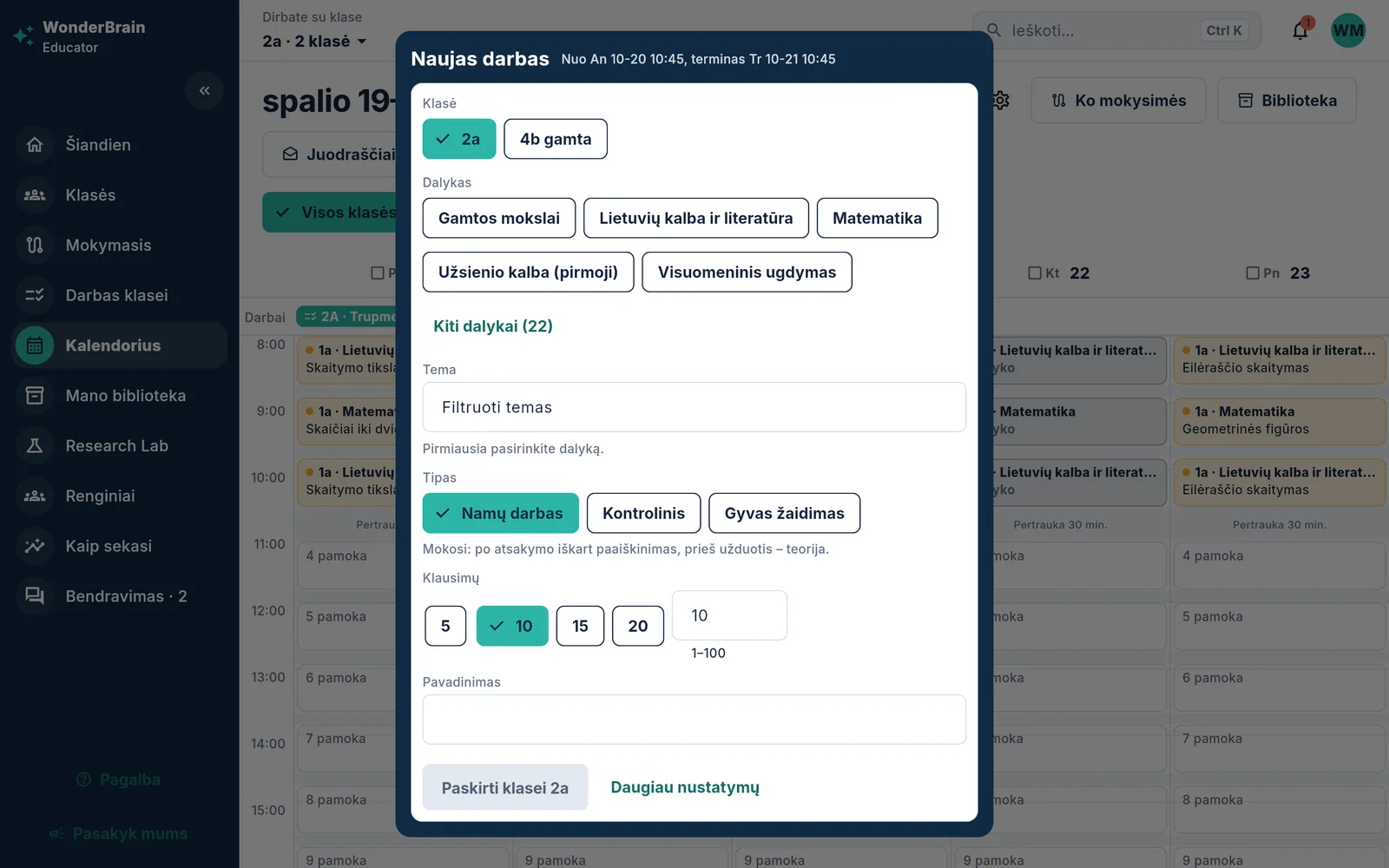
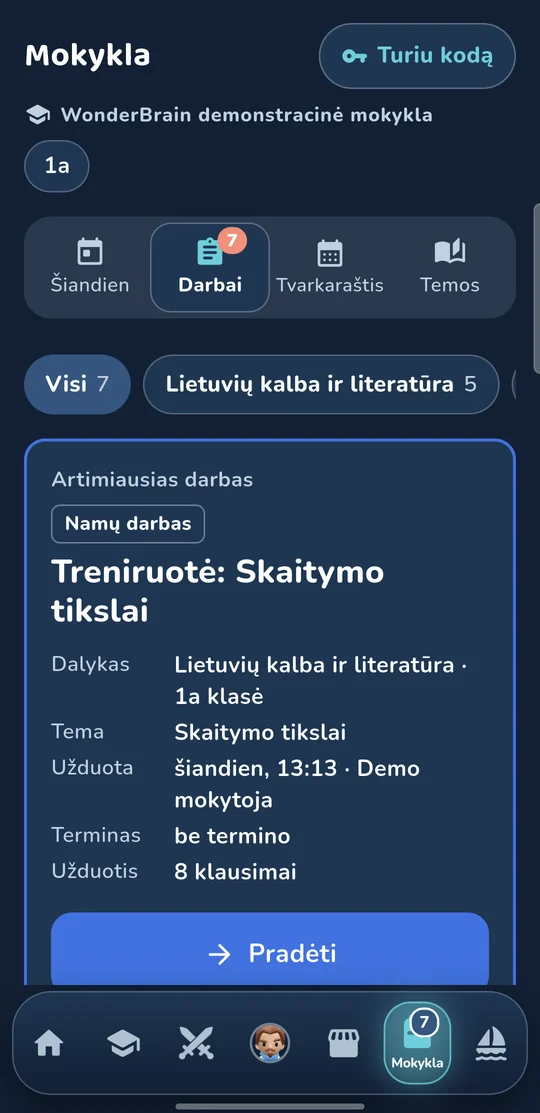
How it all fits together
One chain from the curriculum to the parents. Every answer a child gives goes back into the knowledge map, and from it into your next task.
Level test
In September, January and June shows what a child can already do.
National curriculum
All topics with ready-made questions and theory.
Research Lab
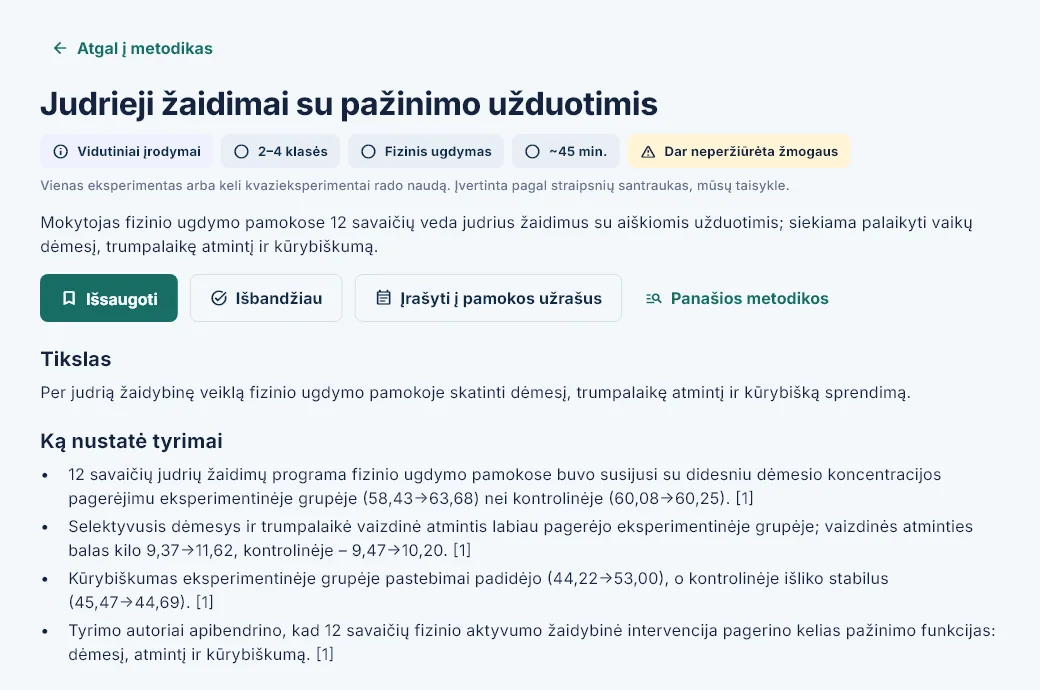
A method based on research is attached to the lesson.
Lesson in the calendar
The topic assigned to a lesson unlocks for the children on that day.
Child's phone
Theory, a step-by-step path, tasks and your assignments.
Knowledge map
Every answer shows what is learned, what is being learned and where the child is stuck.
Your task
From the calendar, the library or a gap on the map.
Parents
A weekly summary: how it is going and what is still missing.
The wheel keeps turning: your task arrives on the child's phone again.
-
From the calendar
You click a lesson or “New task” – the class and topic are already filled in from the lesson.
-
From the library
You drag a ready task onto a day in the calendar – it is assigned to that lesson's class.
-
From the knowledge map
You mark topics or children and click “Assign work” – tasks only from what they do not know yet.
- Every task can be homework, a test or a live game on the class screen.
Safe for the little ones
The game adapts to the child's grade, and grown-up things stay with grown-ups.
Grades 1–4
The heroes don't fight
In a duel the heroes carry no weapons and never walk up to each other. A correct answer brings a fountain of stars, not a blow.
From grade 5
A real arena fight
The heroes step in and strike. The higher the rank, the grander the arena.
The app learns the grade when the child joins their class; until then the duel stays gentle. There is no fight at all while learning.
No stranger can write
- Children cannot send each other messages
- A friend can be added only with their code
- Friends see the hero and the rank, not school marks
Grown-up things stay with grown-ups
- A PIN protects the parents' area
- Parents choose which notifications the child gets and when – none are sent during quiet hours
- Only an adult buys Premium – a child cannot buy
- A grown-up check before any link that leaves the app
- For children under 16, parents switch on the energy calculator
Data and limits
- No ads and no third-party tracking
- To prepare a lesson, the AI gets only the text, the grade and the topic name
- You set the daily time limit
- Learning and playing work without internet too
What WonderBrain gives you
Less work preparing for lessons, and a clear view of what each child cannot do yet.
-

You will no longer need to write tasks yourself
The whole Lithuanian national curriculum is already in the console, together with ready-made questions. All you have to do is choose a topic.
- 27 subjects and more than 4,400 topics, grades 1–10
- More than 67,000 questions for grades 1–8
- Five core subjects for grades 1–4 – every topic already with questions
-
A task for the class – in a few minutes
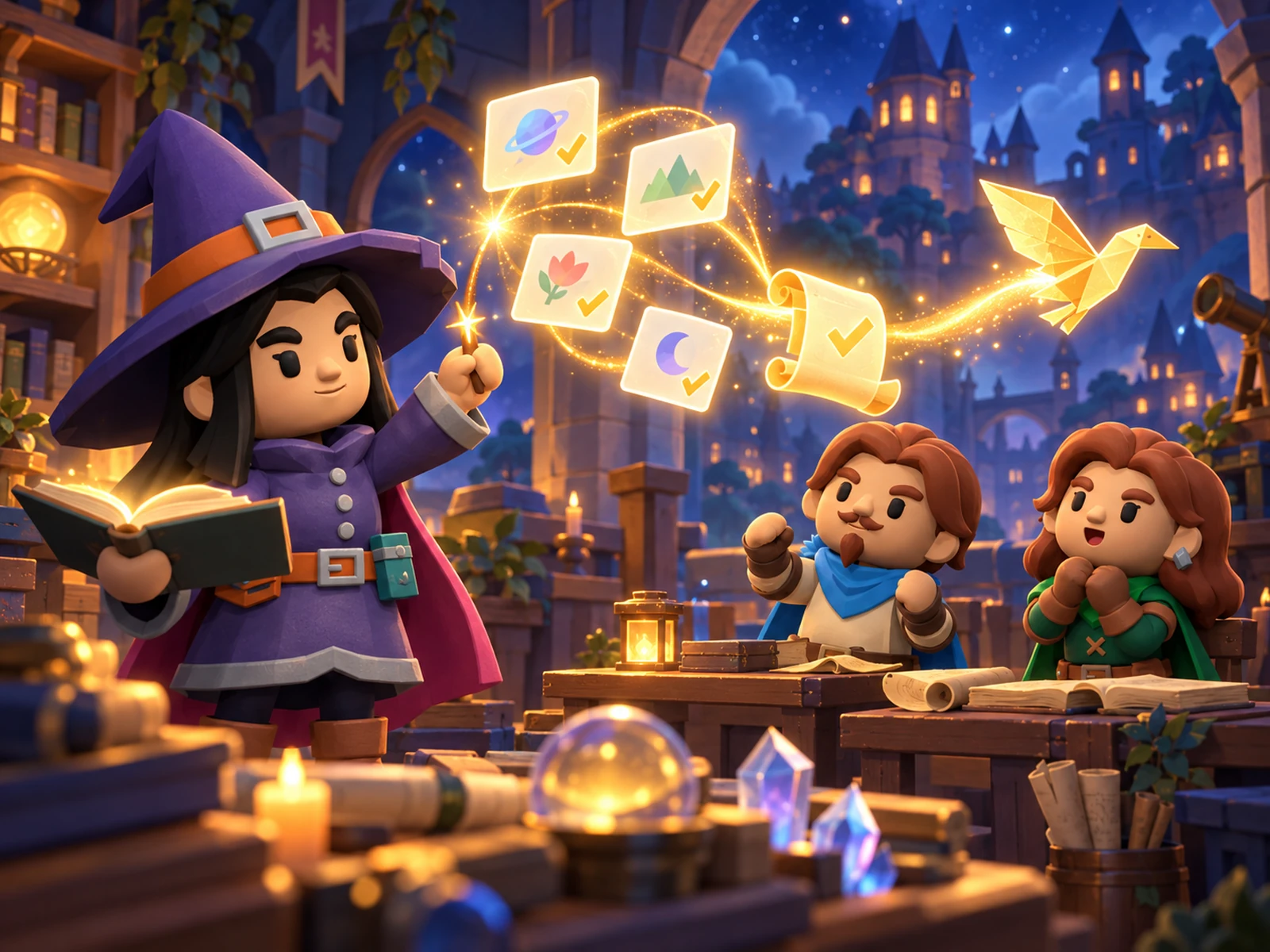
You choose a topic and a deadline – the task lands on the children's phones at once. The app checks the answers itself.
- Homework, a test or a live quiz
- Before you assign it, you see every question with the correct answer
- Printable sheets in versions A–F with an answer key
-
You know what each child cannot do yet
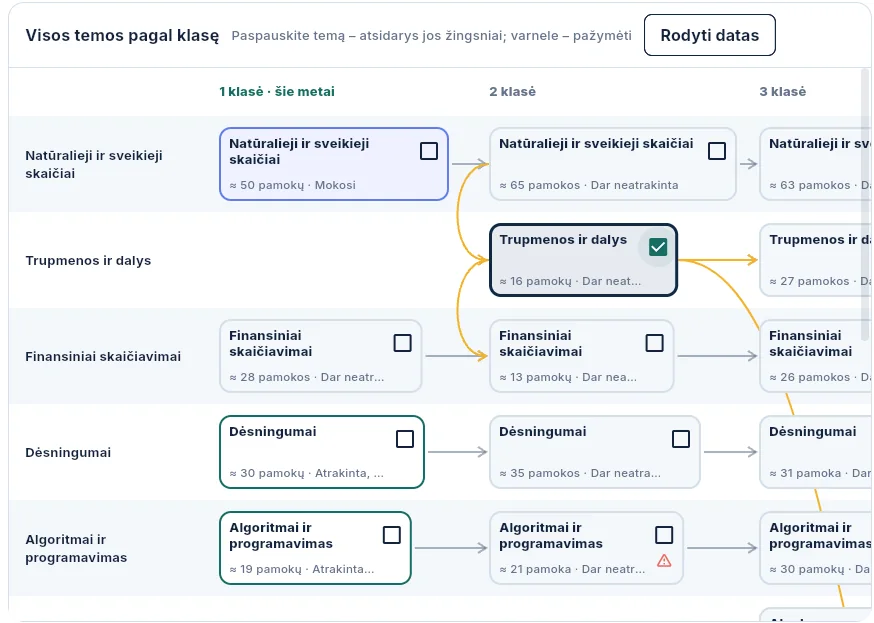
The knowledge map shows every step of a topic: who has already learned it and who is stuck – the whole class and each child.
- For a child who missed lessons or fell behind – tasks only from the steps they do not know yet
- Also shows gaps from earlier grades
- Suggests whether the class can move on to the next topic – you decide
-
Games, contests and tournaments
In a lesson you start a game, children join with phones or tablets, and the results appear live on the screen. From such games you put together longer contests and tournaments.
- A contest over a month, a term or a school year – every game adds points
- A class tournament as a bracket – teams are balanced by knowledge, and you can drag children between them with the mouse
- A table on the TV, results downloaded to a spreadsheet
- The whole school sees the contests – colleagues know what is going on
- Class against class – a colleague joins with a code, even from another school
-

In the morning you know where to start
The console shows by itself what matters most today and suggests one action.
- Which tasks are coming up and how many children have finished them
- Which children need attention
You will no longer need to retype a textbook into questions
Upload a PDF, Word or PowerPoint file or a photo of a textbook page – the console prepares a learning pack for the class. You review it, and only then do the children get it.
What you do
- You upload a PDF, Word or PowerPoint file or a photo of a page
- You choose the class and the curriculum topic
- You mark the pages to prepare from
What you get
- An explanation and questions made exactly from your material
- Every question shown with its source location in the text
- A pack that you assign like any other task
What stays in your hands
- Without your review the children do not get the pack
- Text from a photo is recognised in your browser
- Lines with personal data are removed before sending
And what lessons do not cover
Alongside the curriculum, children learn about life: saving, buying wisely, looking after themselves and staying safe – with real tasks, step by step.
Money
- I save for a big purchase
- I buy my first phone
- I sell a valuable item
- First job and taxes
Home and health
- I bake pancakes
- I tidy my room
- I sort the rubbish
- I drink enough water
Safety and travel
- I cross the road safely
- I call the emergency services, 112
- I travel by train
- I pack for a camping trip
In preparation: a pocket-money budget, safe online shopping, how advertising works, a small business of your own.
What children learn
Five core subjects – first for grades 1–4.
-
 Maths
-
 Lithuanian language
-
 English
-
 Natural sciences
-
 Social studies
All you will find in the console
 Class
- A class code and QR – children join by themselves
- Children need no email or passwords
- Only you see a child's name – in the system it is a nickname
- Several classes, switched from one menu
- Children, tasks and progress for each class
- At the end of the year you archive the class
 Teaching
- A path of topics for the whole year, following the curriculum
- How many children have learned a topic, are learning it or are stuck
- A recommendation whether to move on – you decide
- A topic explanation on the full screen for the projector
- Review for weaker children, the next topic for stronger ones
 Tasks
- A quick task in a few minutes
- A task from the class's mistakes with one click
- Your own questions next to the ready-made ones
- Printable sheets in versions A–F with an answer key
- Library: you repeat a task with another class
 Games and contests
- A game in class: children join with a code, points live
- Contests with seasons – the best results are counted
- Results of every game: when, how many took part, who won
- Tournament brackets: singles or teams, winners advance to the final
- Class against class: colleagues join with a code, even from another school; the class with the higher average wins
 Results
- Which child is stuck and which mistakes keep repeating
- How the tasks are going
- Results by class and by child
- Charts: the class's week, topic mastery and who needs help
- When fewer than 5 children answered, no percentage is shown – so no single child stands out
 Parents and planning
- Messages to all parents and personal chats
- A class parent group with votes
- Calendar: month, week and day – you move an assignment with the mouse
- The first time – a five-step introduction
TUTOR – help that starts from exact data In development
The app knows exactly which steps of a topic a child cannot do yet and where they go wrong. TUTOR turns that into help: parents get a message and can immediately choose a teacher who teaches exactly that subject.
-
The system sees where a child struggles
The knowledge map shows which steps the child has not learned yet and which mistakes they repeat.
-
Parents receive a message
Not “your child is doing badly”, but exactly: which topic, which step and what kind of mistake.
-
Parents choose a teacher
The list shows teachers who teach that subject and those grades, with free times.
-
Book and pay in the app
The lesson is bought directly, with no calls or arrangements.
-
A lesson by video call
The teacher sees the child's data before the lesson – no need to guess where to start.
-
Parents see the result
After the lessons the statistics show live whether those steps are now learned.
Maths · Multiplication table This week the most mistakes were made multiplying by 7 and 8. Go through the tasks together or choose a teacher who could help.
For parents
- The news comes when help is really needed
- You choose the teacher yourselves – by subject and grade
- You book and pay for a lesson in the app
- You see live whether the gap has closed
For teachers
- You will be able to teach as a tutor through WonderBrain
- Parents will find you by the subject you teach
- Before a lesson you see what the child cannot do and where they go wrong
- After the lesson you see whether the child has progressed
The tutor sees the child's data only with the parents' consent.

See where your child needs help
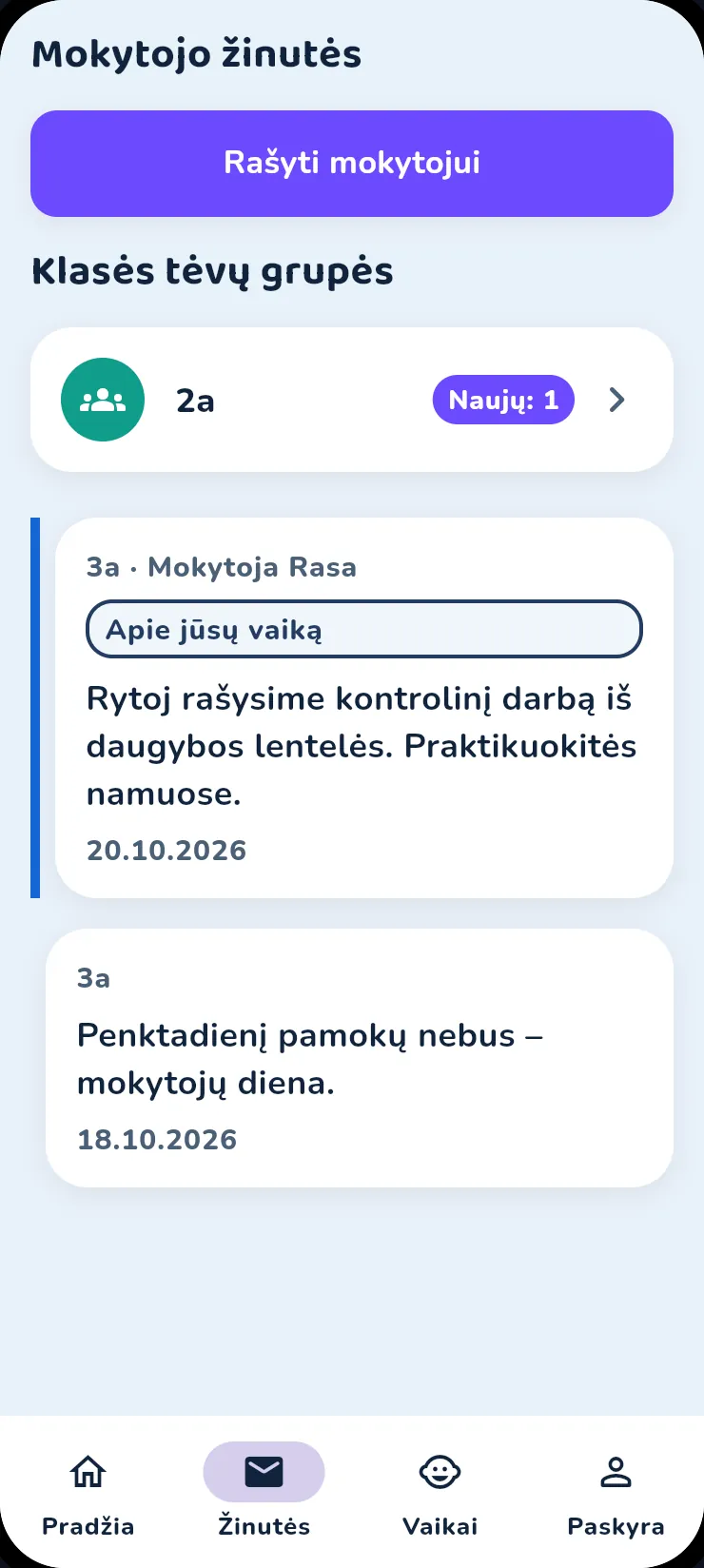
The same app on your phone. You link it to your child and see how they are doing, what the teacher writes and where it is worth helping.
The same app for the child and the parents – Android and iPhone.
The week, a family duel and a lesson from your worksheet
Real recordings: your child's week on your phone, a family duel and a lesson from your own material.
- The week in a minute: how many days your child learned, for how many minutes, what was new and where to improve.
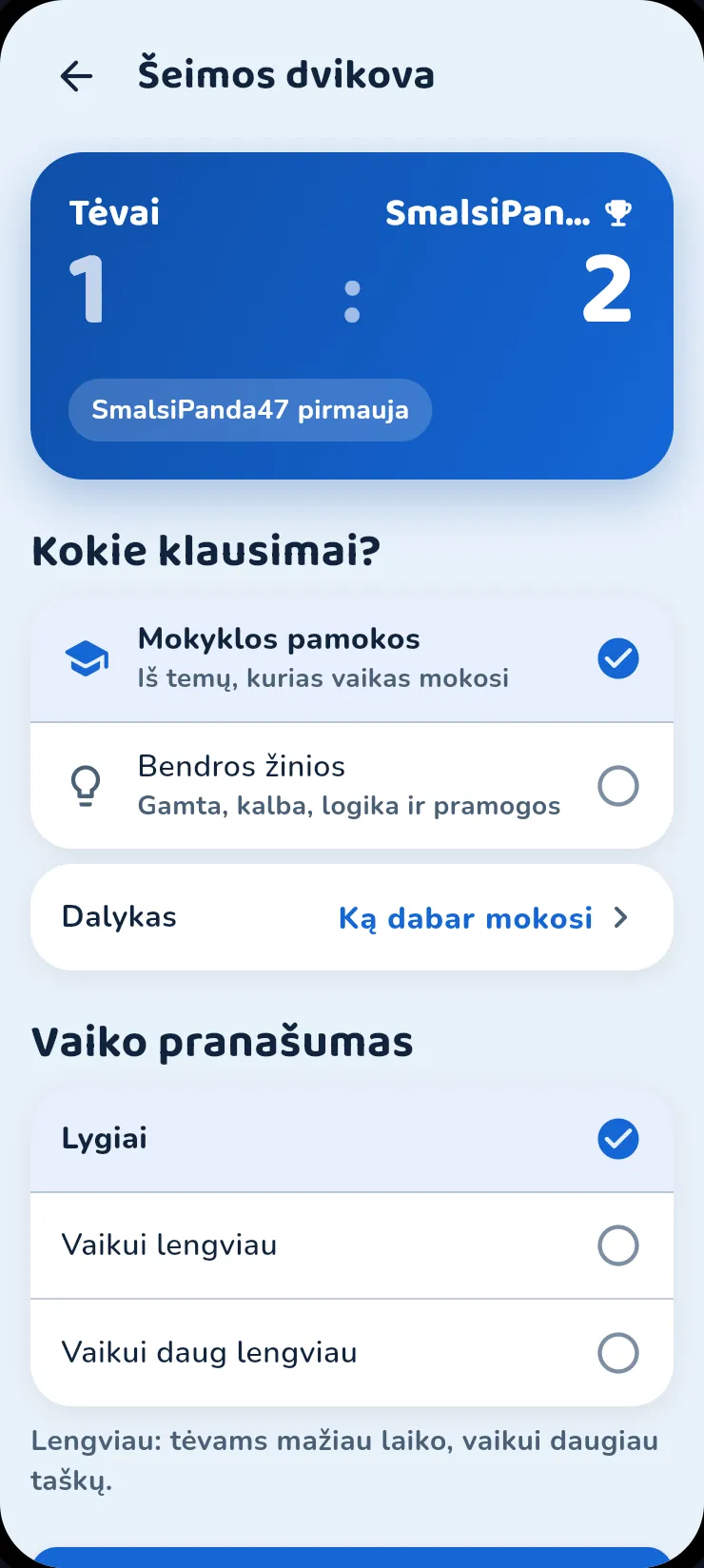
- Family duel: you play with your child, each on your own phone. Questions come from school topics or general knowledge.
- A lesson from your worksheet: a photo, PDF, Word or PowerPoint. The video shows the computer view; on the phone you do this in the app. With Premium.
- A summary and questions from the same material. You review it, and only then does your child get the lesson. With Premium.
Silent video with English captions. Recorded in the real app and console with made-up children; the screens are in Lithuanian.
Safe for the little ones
The game adapts to the child's grade, and grown-up things stay with grown-ups.
Grades 1–4
The heroes don't fight
In a duel the heroes carry no weapons and never walk up to each other. A correct answer brings a fountain of stars, not a blow.
From grade 5
A real arena fight
The heroes step in and strike. The higher the rank, the grander the arena.
The app learns the grade when the child joins their class; until then the duel stays gentle. There is no fight at all while learning.
No stranger can write
- Children cannot send each other messages
- A friend can be added only with their code
- Friends see the hero and the rank, not school marks
Grown-up things stay with grown-ups
- A PIN protects the parents' area
- Parents choose which notifications the child gets and when – none are sent during quiet hours
- Only an adult buys Premium – a child cannot buy
- A grown-up check before any link that leaves the app
- For children under 16, parents switch on the energy calculator
Data and limits
- No ads and no third-party tracking
- To prepare a lesson, the AI gets only the text, the grade and the topic name
- You set the daily time limit
- Learning and playing work without internet too
How it works
Real app screens: from linking to your child to the family duel in the evening.
Your child learns on a computer too In development
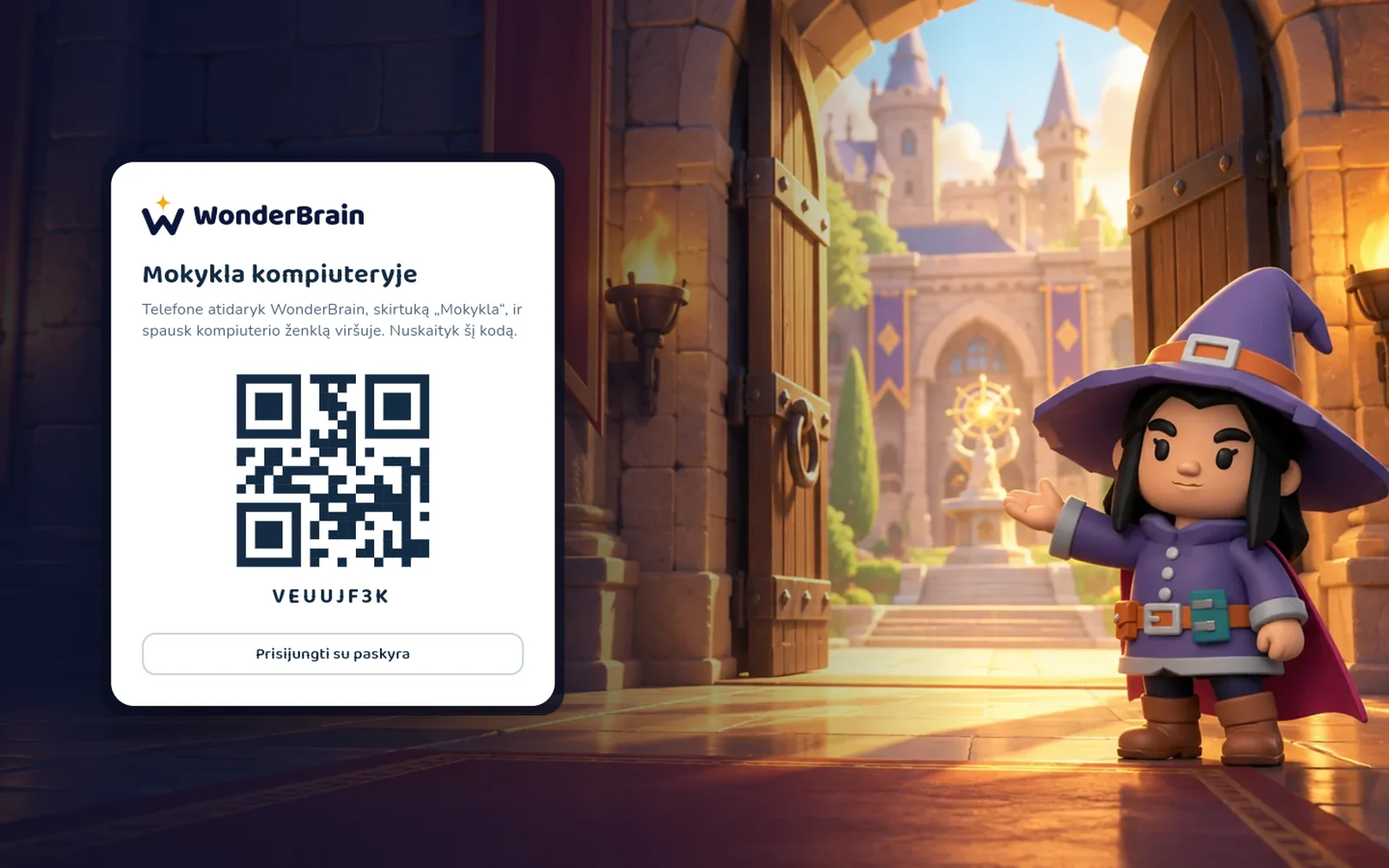
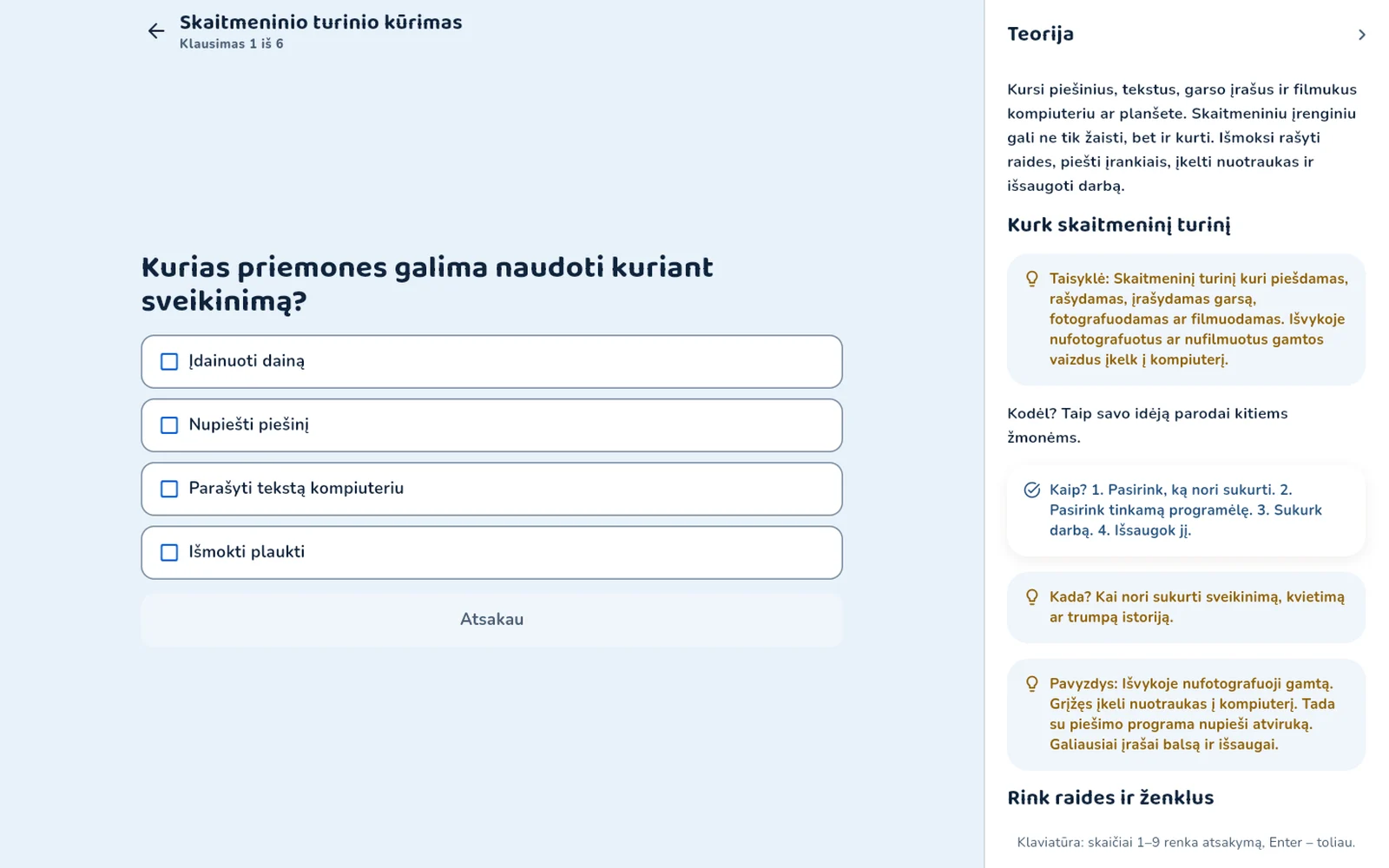
A big screen is more comfortable for longer work. The computer has only the school part: tasks, class work, the timetable and topics. There are no duels or games there.
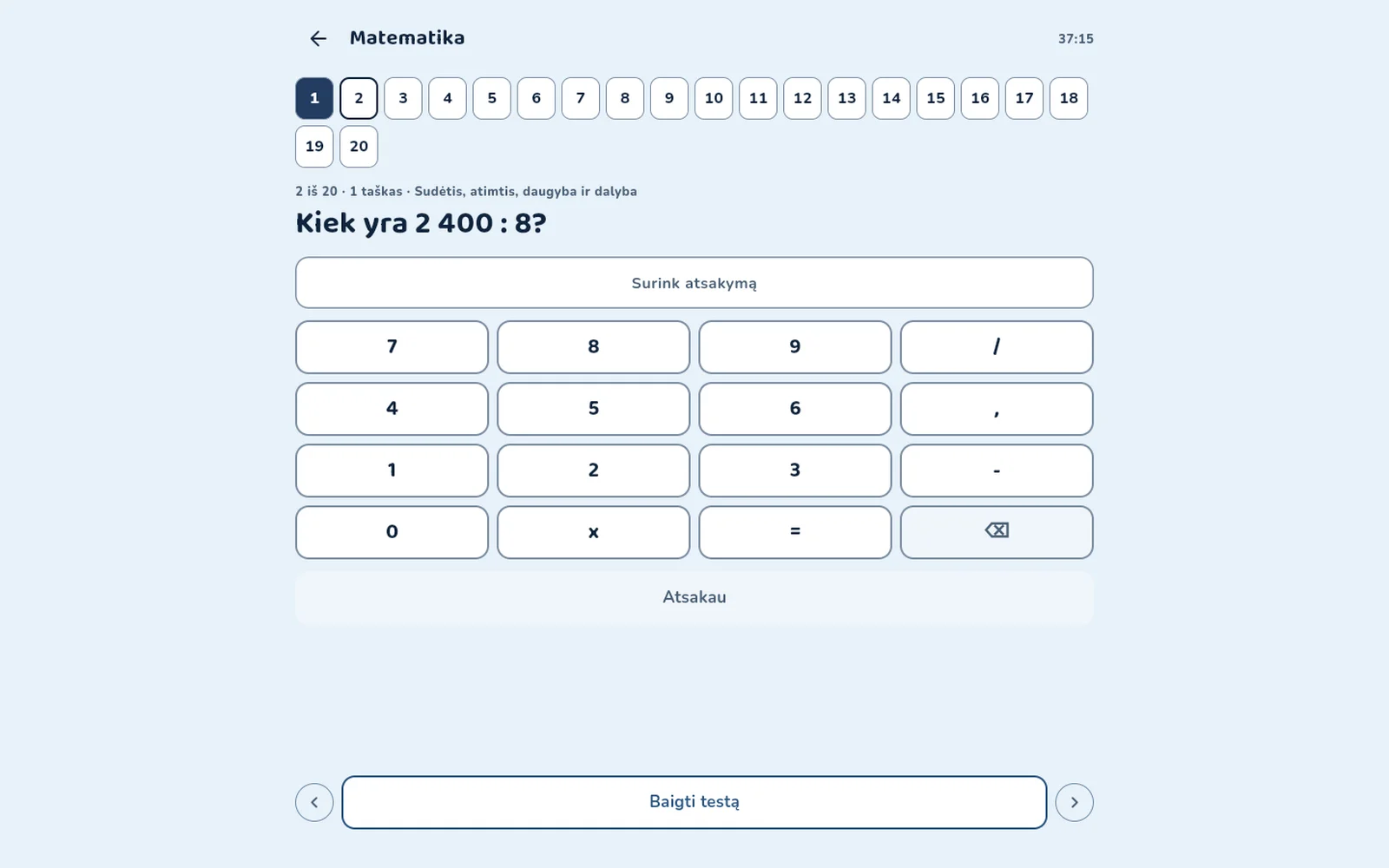
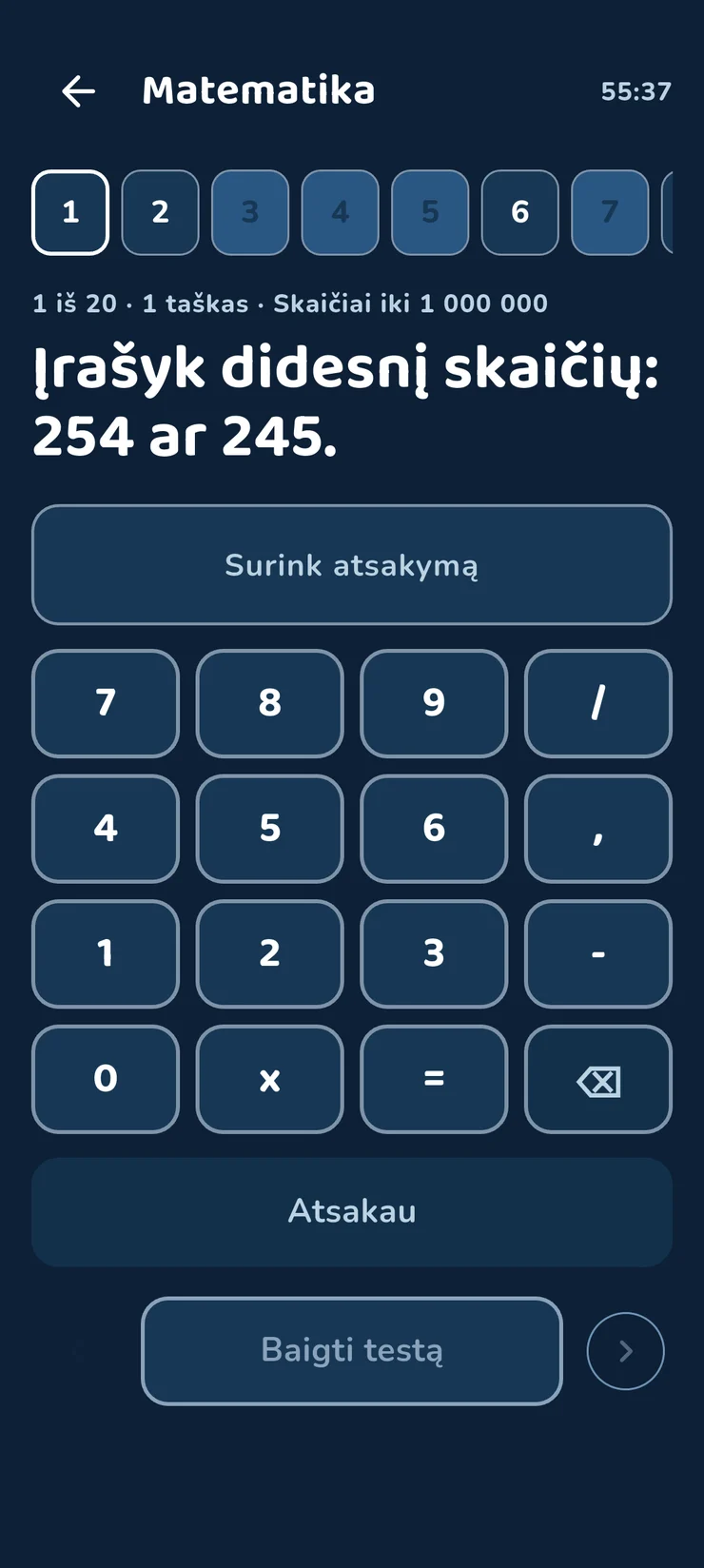
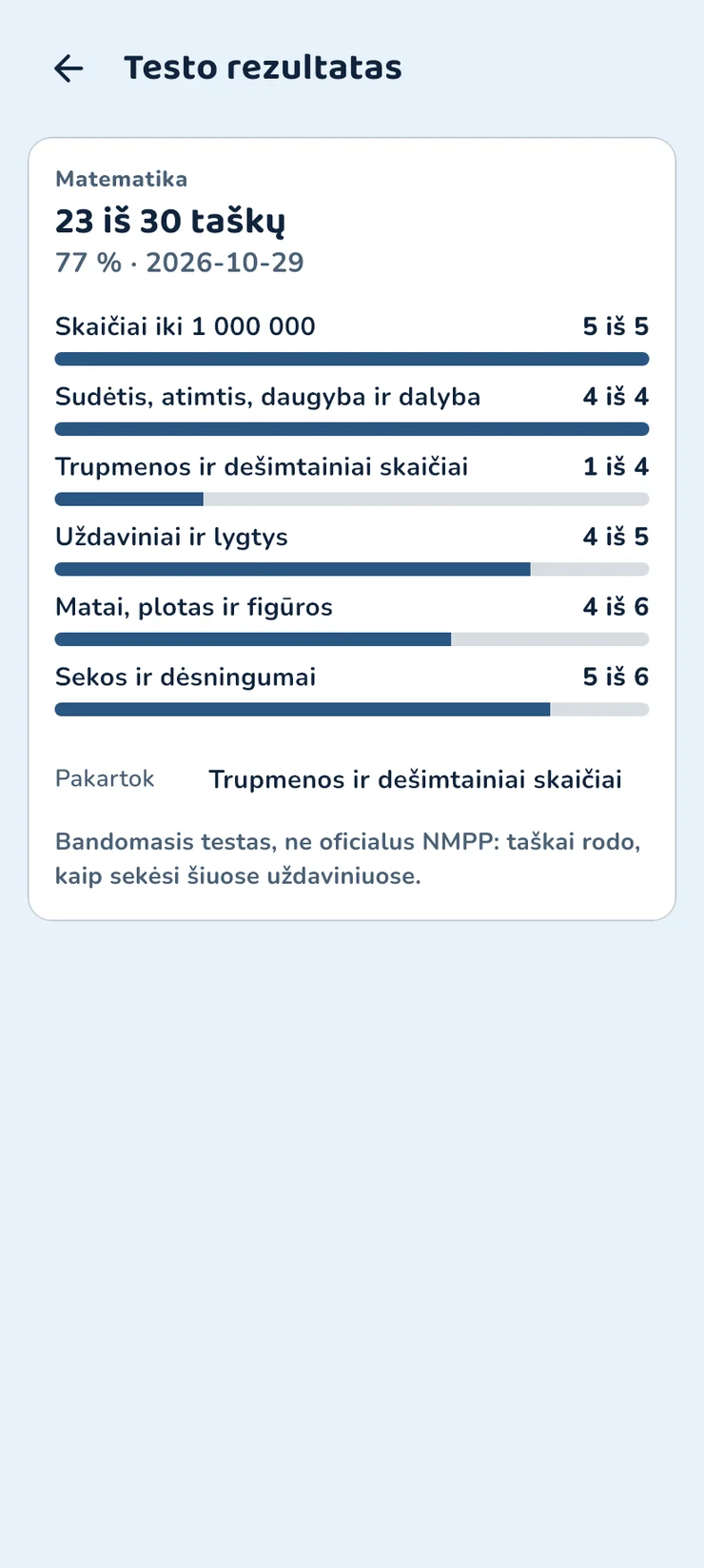
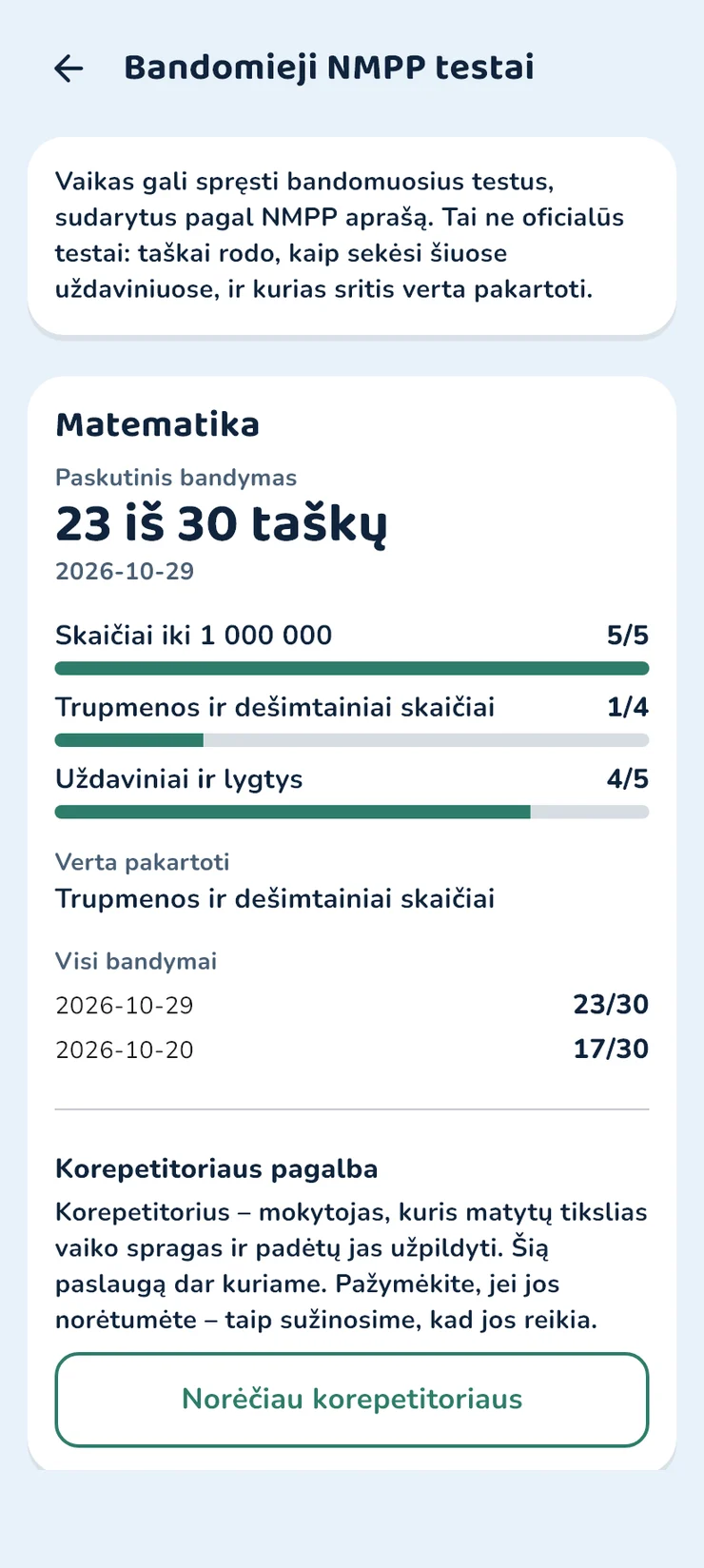
Practice NMPP tests for Grade 4
The child checks at home while there is still time before the assessment, and you see what is worth repeating. NMPP is Lithuania's national Grade 4 assessment. The tests follow its description but are not official. With Premium.
What WonderBrain gives you
You will know how your child is doing and how to help – without guessing.
-

In a minute you know how your child is doing
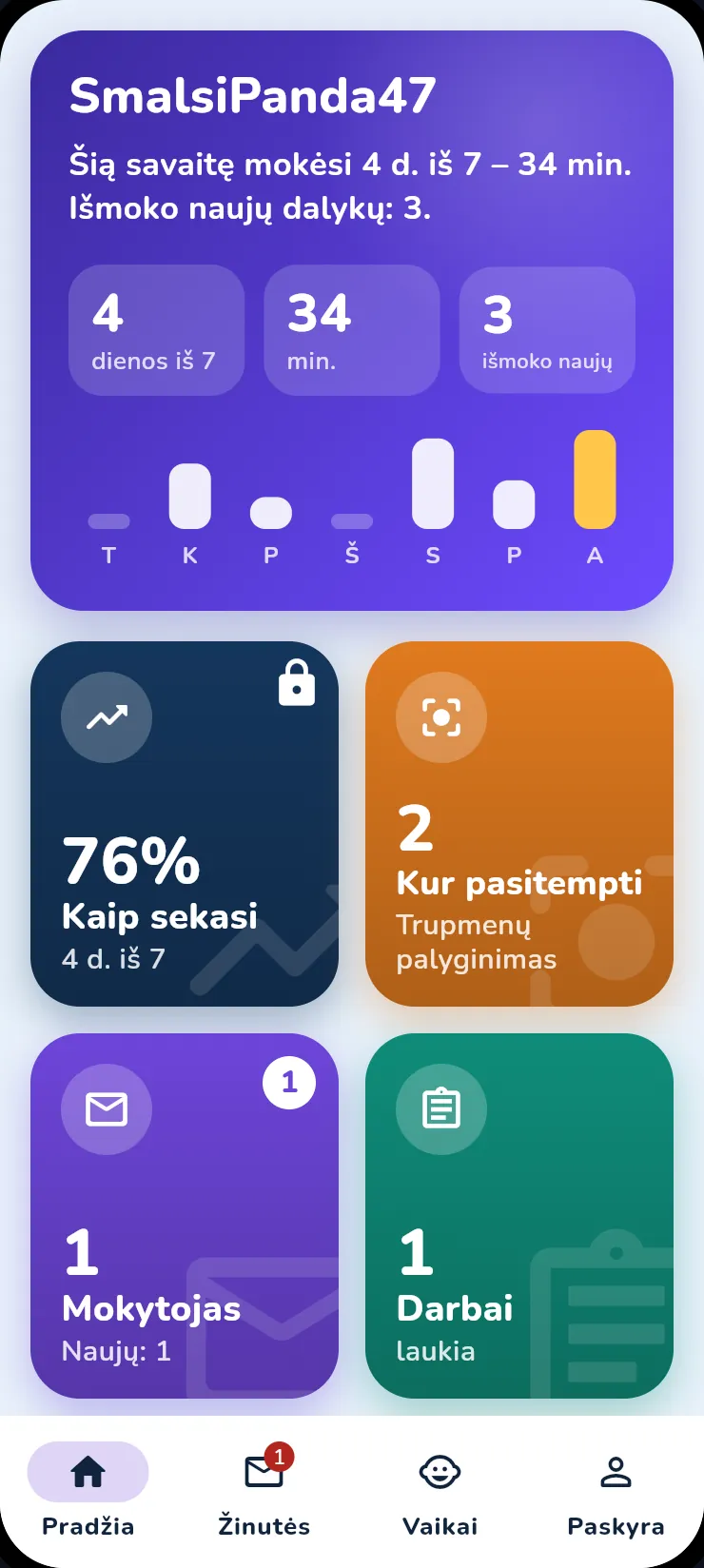
Open the app and you see the child's week: how many days they studied, how many answers they gave and how many were correct.
- A topic step counts as learned only when at least 6 of 8 answers are correct
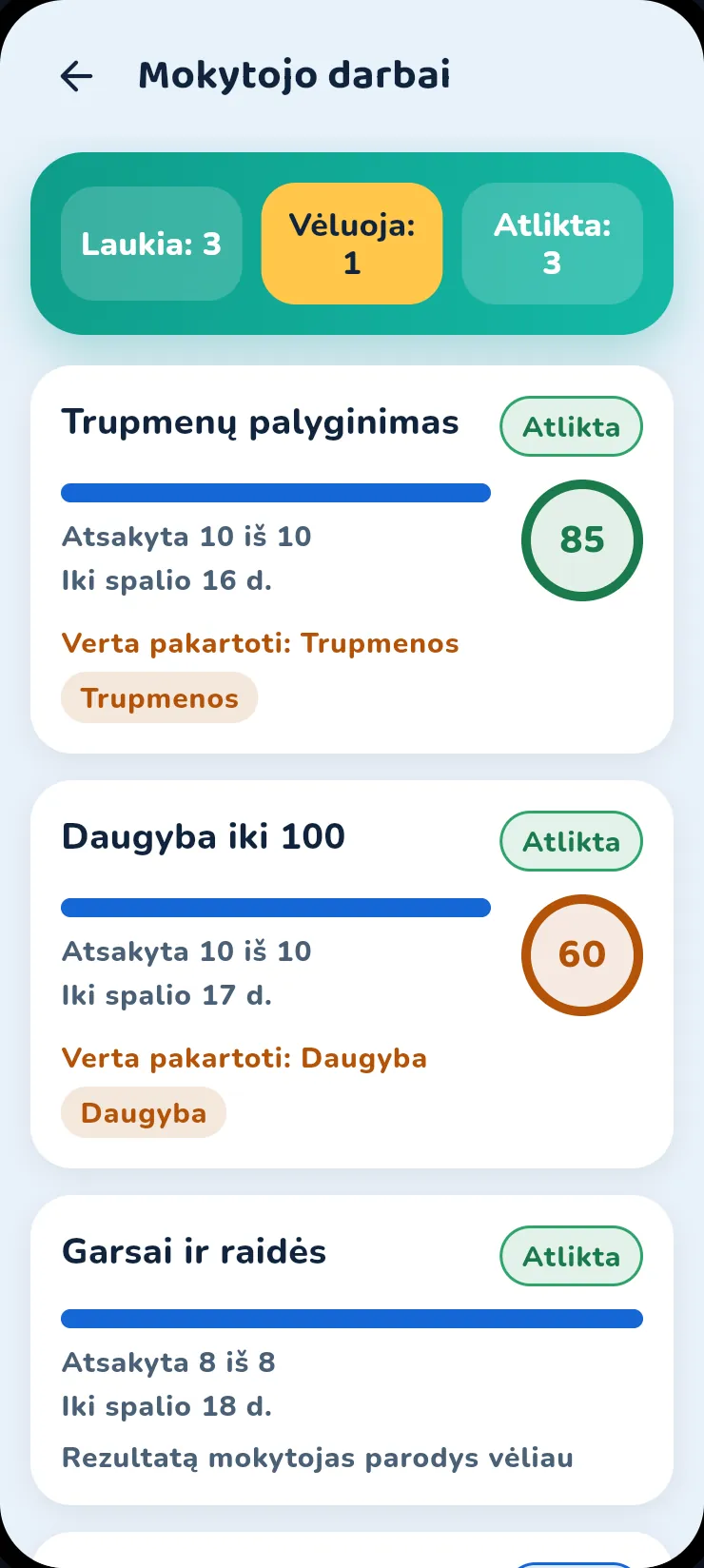
- You see whether the teacher's tasks are done on time
- The week's chart: how many minutes the child learned each day
- On Sunday at 18:00 the weekly summary arrives as a notification
-
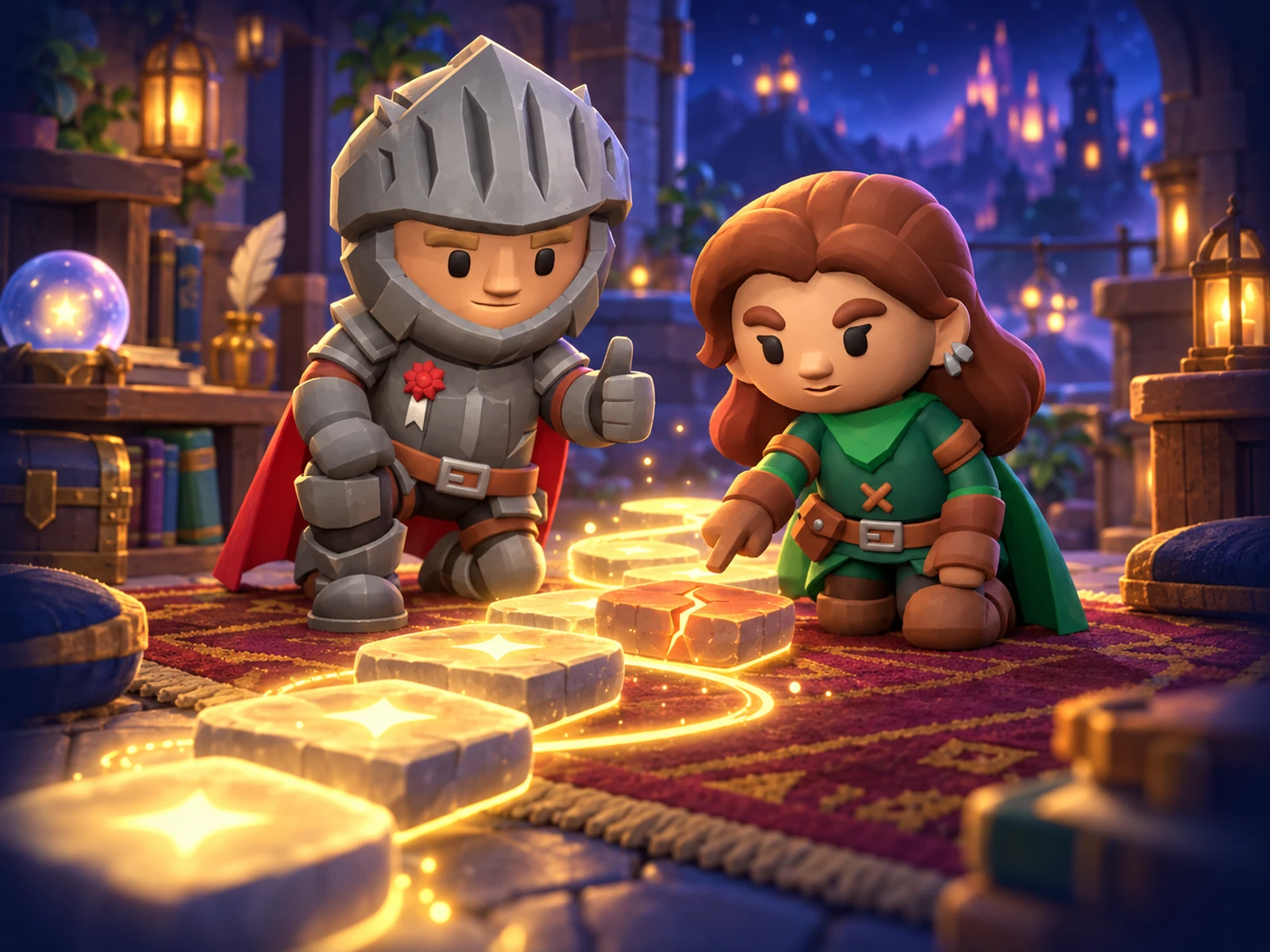
Know how to help at home
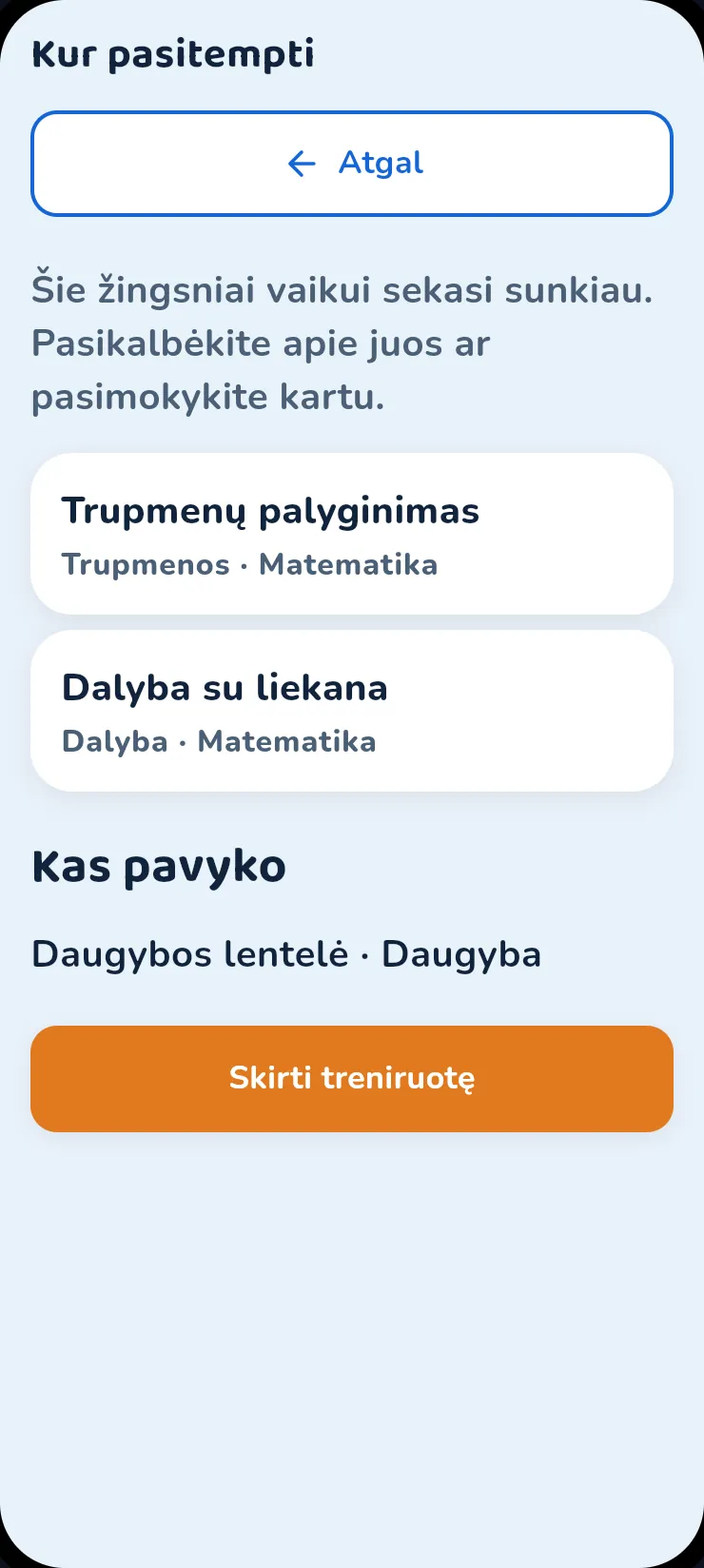
The app shows the specific topics that are harder for the child, and what they already know.
- A topic and a subject, not an abstract score
- With Premium – extra tasks for exactly those topics
-
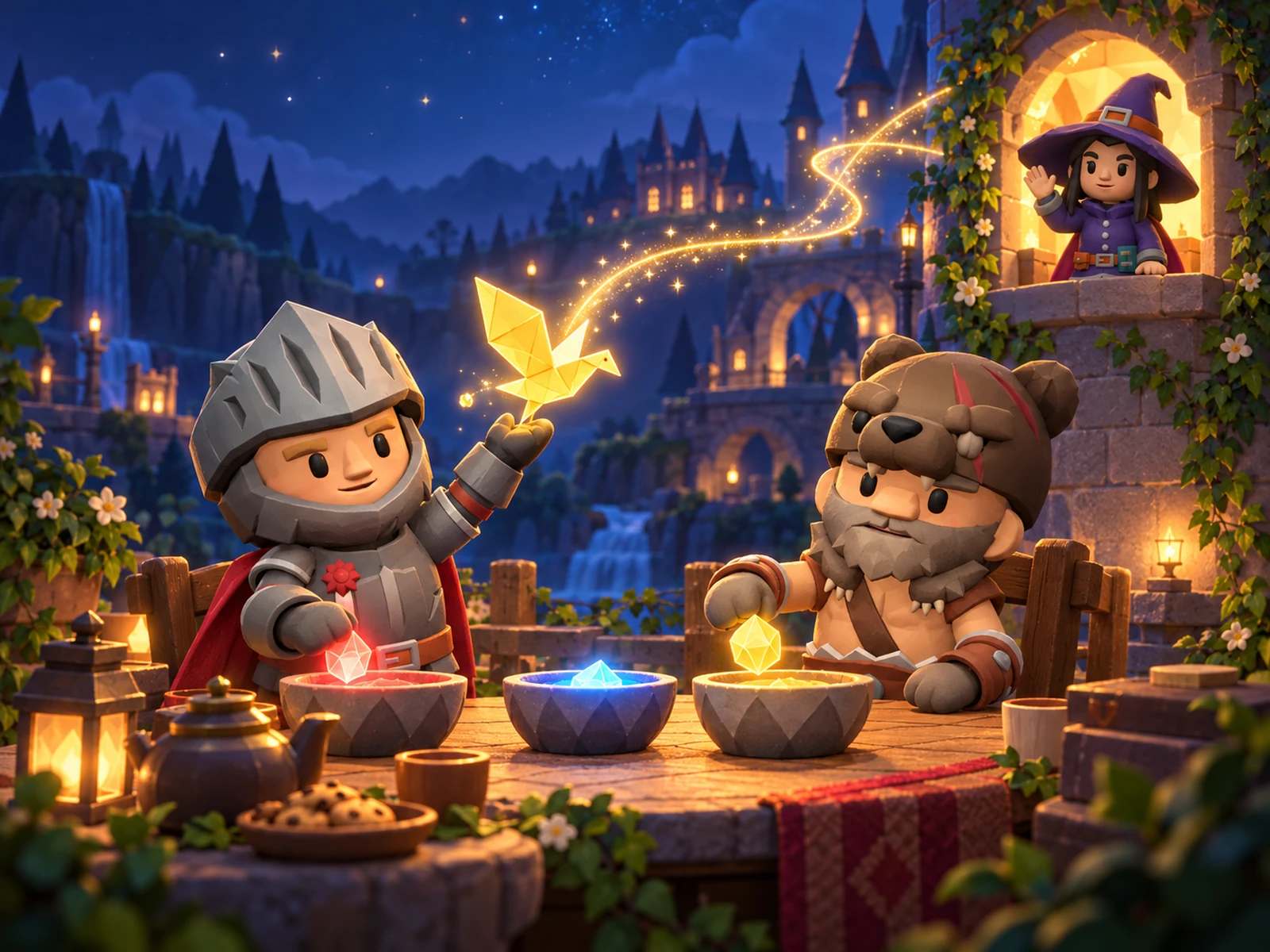
You always know what the teacher says
The teacher's messages arrive in the same app, and you can reply.
- What will happen in class and what is worth repeating at home
- A class parent group with votes
- You hear about a new assignment, a late one or a teacher's message right away – as a notification on your phone
-
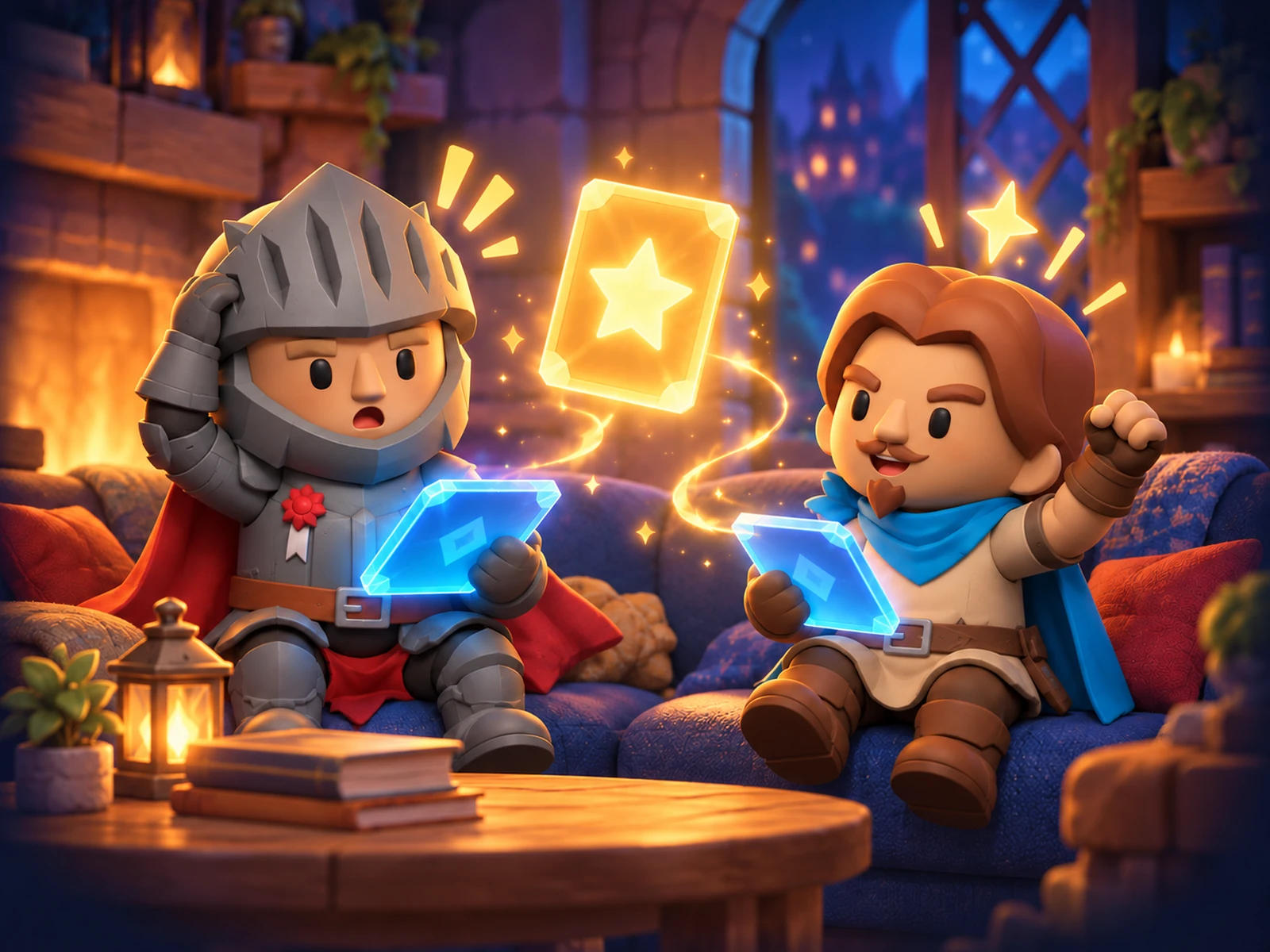
Learning together is fun
Family duel: you and your child answer the same questions.
- The child's points are counted ×1.5 so that both of you enjoy competing
- One duel per week is free
-
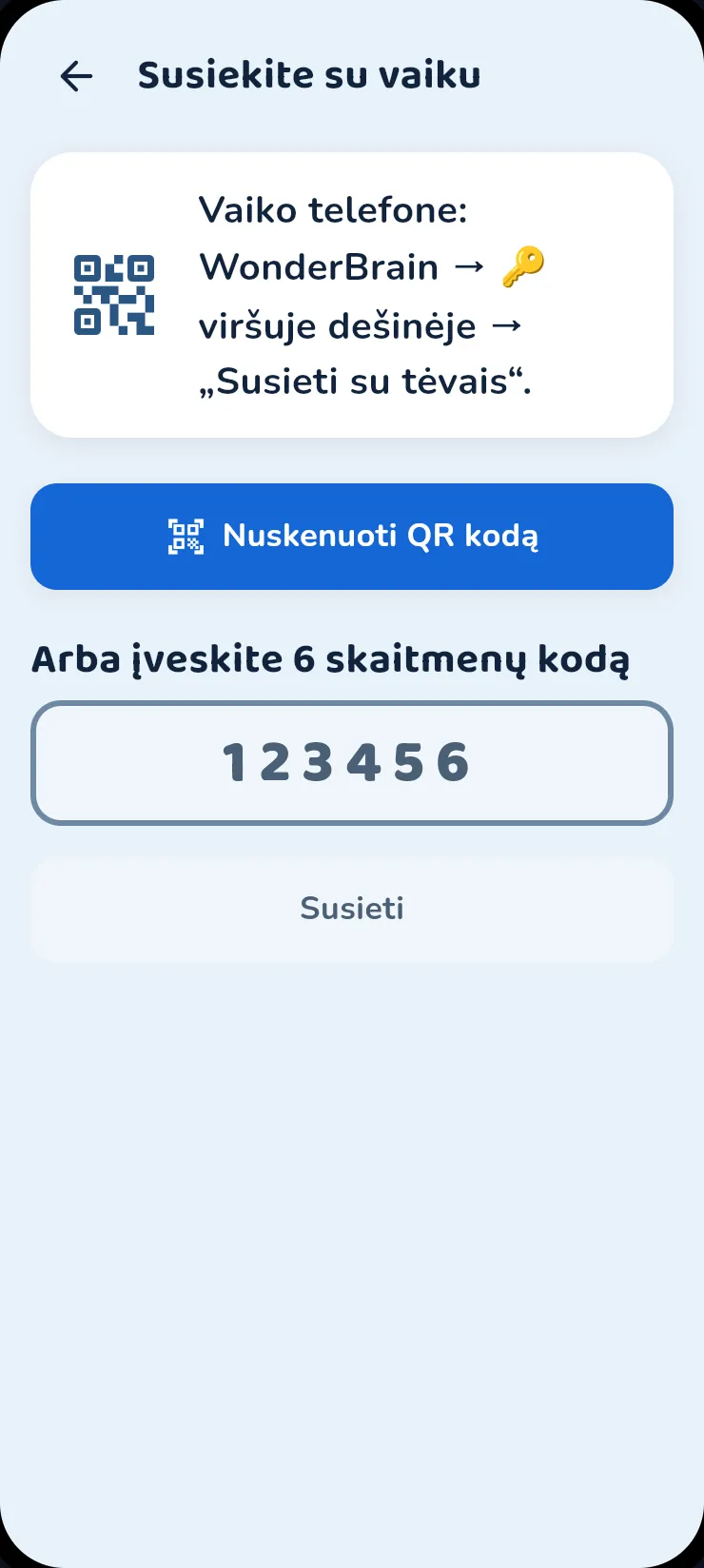
To start – one QR code
The child shows the code on their phone, you scan it.
- Or you enter the 6-digit code
- You can link several children
- If there is only one phone, the parent zone is protected by a PIN
The child learns exactly what the school asked for
Photograph a school worksheet or upload a PDF, Word or PowerPoint file – the child gets a short lesson and questions from the same material, not from a general pile of tasks.
What you do
- You photograph the sheet or choose a PDF, Word or PowerPoint file
- You correct the recognised text if it got something wrong
- You click – and the lesson is being prepared
What the child gets
- A short explanation based on the same sheet
- Questions, each of which is based on that text
- Tasks in the app: questions and pairs
- Flashcards for revision from the same lesson
What stays in your hands
- You review the lesson and hand it to the child yourself
- The photo stays on the phone – only text is sent
- Lines with a name, class, email or phone are removed before sending
This is what an interactive lesson looks like: Lesson example
Previewing the file or photo is free. Preparing a lesson takes credits – Premium adds them every month.
A tutor who teaches exactly what is needed In development
Because we see exactly which steps of a topic a child cannot do yet, you will be able to get a teacher who works on exactly those – not on the whole topic from scratch.
What school does not teach
A child learns to save, buy wisely, look after things at home and stay safe – with real tasks, step by step, with an explanation of why.
Money
- I save for a big purchase
- I buy my first phone
- I sell a valuable item
- First job and taxes
Home and health
- I bake pancakes
- I tidy my room
- I sort the rubbish
- I drink enough water
Safety and travel
- I cross the road safely
- I call the emergency services, 112
- I travel by train
- I pack for a camping trip
In preparation: a pocket-money budget, safe online shopping, how advertising works, a small business of your own.
What is free, and what comes with Premium
The teacher's tasks are always free for the child.
Free
- The child's week: days, answers, correct ones
- The week's chart: how many minutes the child learned each day
- Learning from the week's programme: up to 10 new questions a day, revision without limits
- Where to practise and what went well
- The teacher's messages, a chat with the teacher, a parent group
- Tasks and whether they are done on time
- Phone notifications: assignments, teacher messages and the weekly summary – you choose which ones
- Class task summary: answers, correct ones, finished tasks
- One family duel per week
- A daily time limit and read-aloud
- A copy of the child's data and its deletion on your request
With Premium
- Any topic, with no daily limit
- “Learned”: what the child answered correctly again two weeks later
- Which topics go weakest and which strongest
- Every wrong answer with the correct one and an explanation
- How the result changes when a topic is solved again
- Extra tasks: you choose a topic the teacher has already opened
- Credits every month for lessons from your worksheets
- The child's achievements
- Family duels without limits
- “Life”: 27 money courses, a food course and Pearl Island (you can try the island for free)
- One subscription for the whole family – all your children get Premium

Learn, fight and grow your hero
A new workout every day. You get coins for correct answers, and you dress your hero with them.
Ages 5 to 14. Android and iPhone.
A game for the whole class
You answer on your phone and your character climbs higher and higher on the class screen.
- Scan the code and your character appears on the wall.
- Answer right to climb a shelf. Get it wrong and you drop one, but the game goes on.
- Ropes pull the top three up onto the winners' podium.
Silent video with English captions. Recorded in the real app and console with made-up children; the screens are in Lithuanian.
Games, duels and lessons
Real app recordings: a speed game, a duel with another child and with your parents, a lesson and a lesson from your own worksheet.
- Speed games: tap the bubbles as soon as they appear.
- Duel: you both answer the same question at the same time.
- Family duel: your parents invite you – you play together, each on your own phone.
- Learning: pick a topic and answer, and after each answer you find out why.
- A lesson from your worksheet: if your parents allow it, take a photo of the page or upload a file – you get a summary and questions. The video shows the computer view; on the phone you do this in the app.
Silent video with English captions. Recorded in the real app and console with made-up children; the screens are in Lithuanian.
How it works
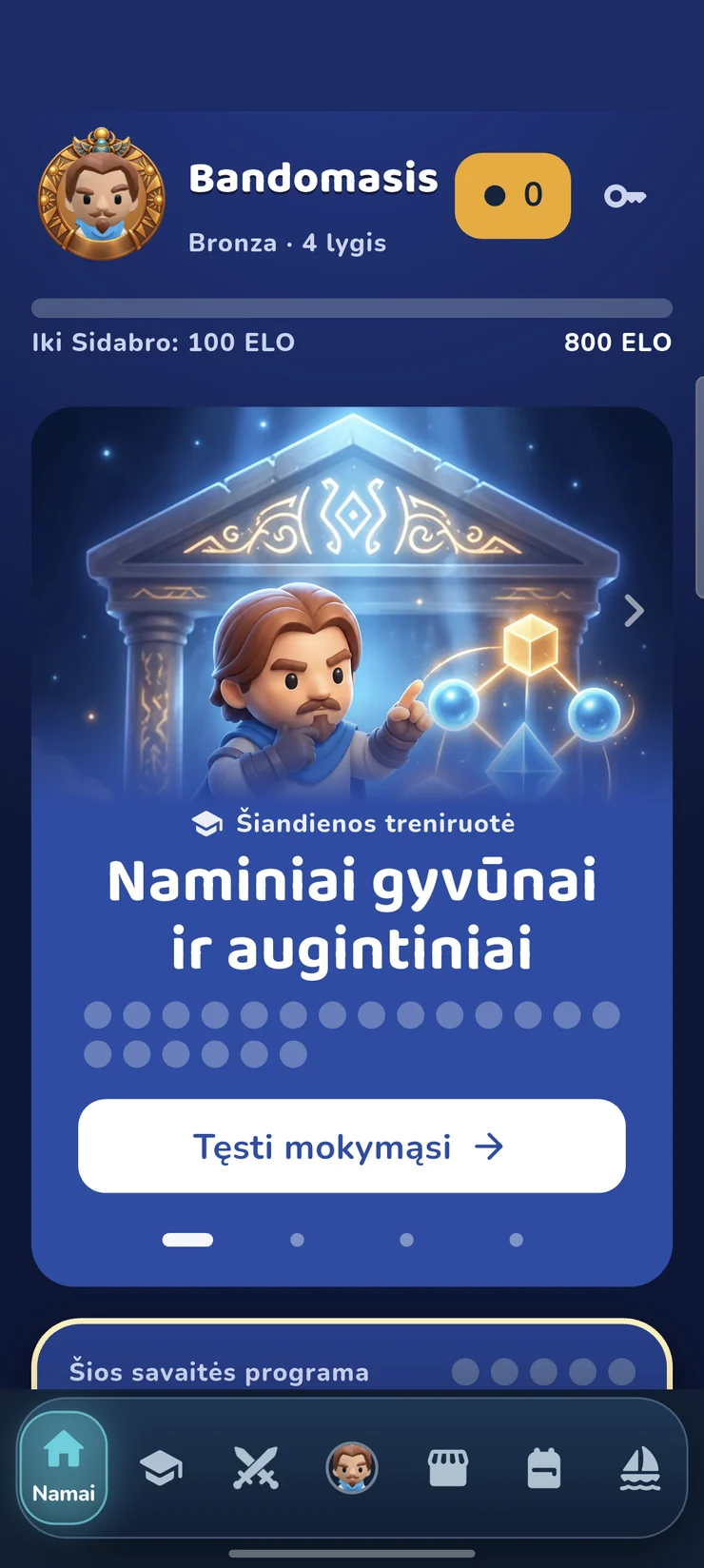
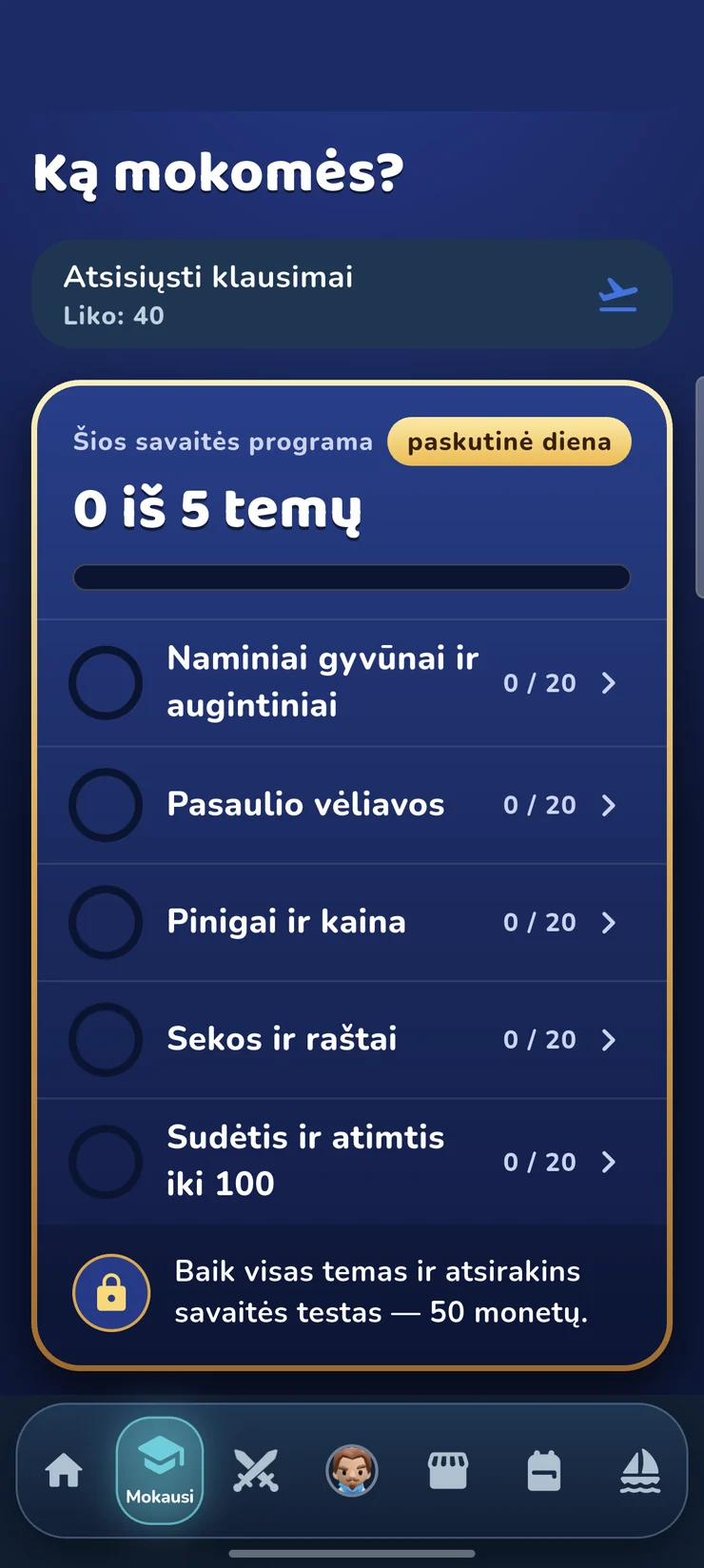
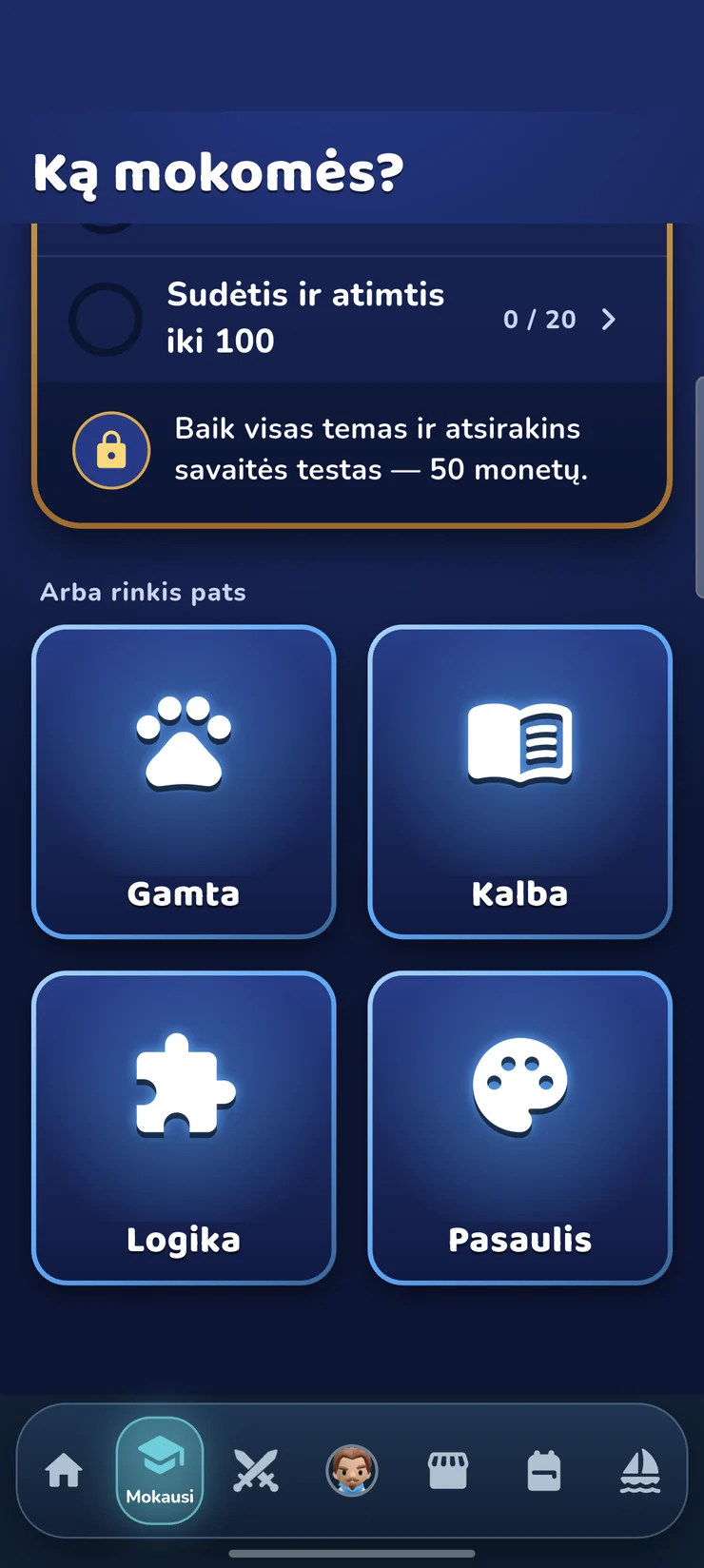
Real app screens: what you see when you open it.
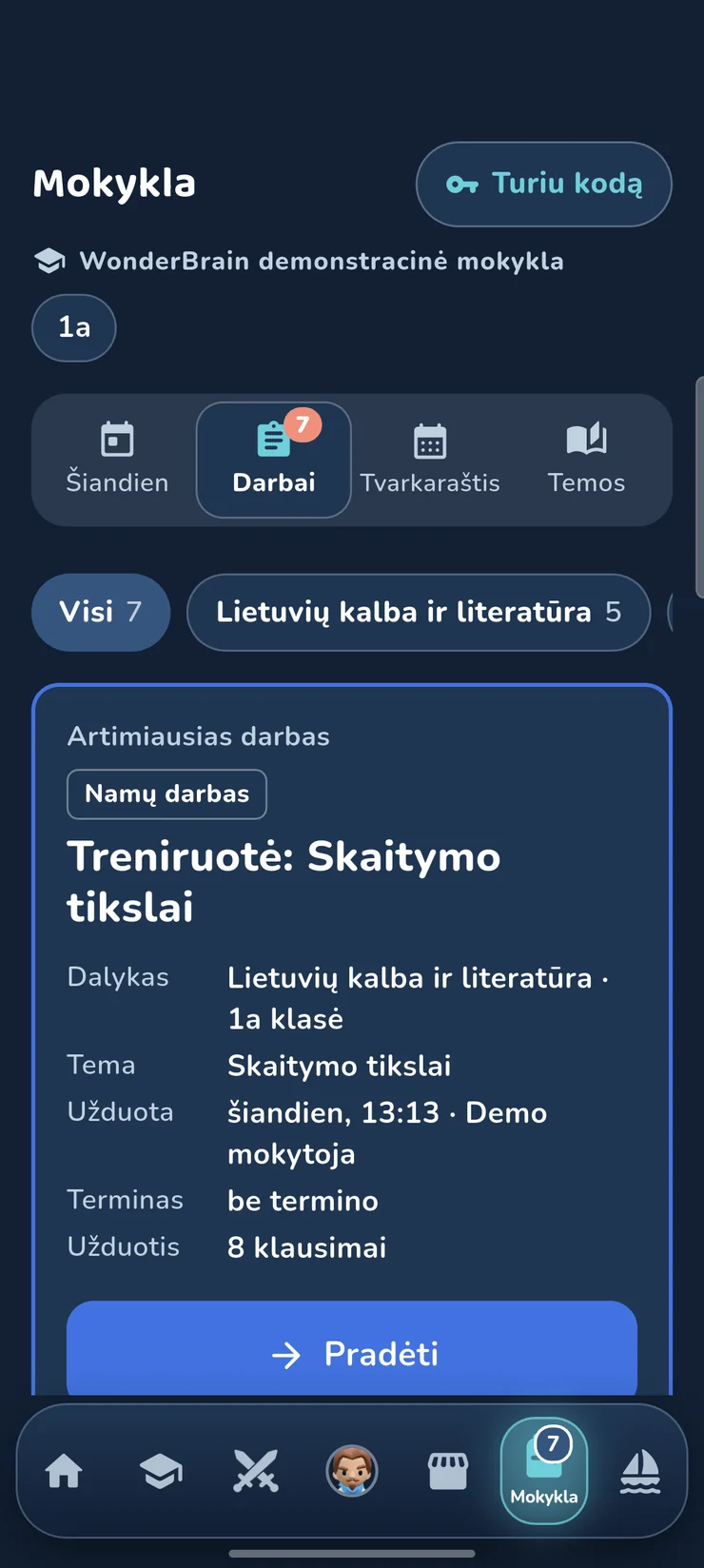
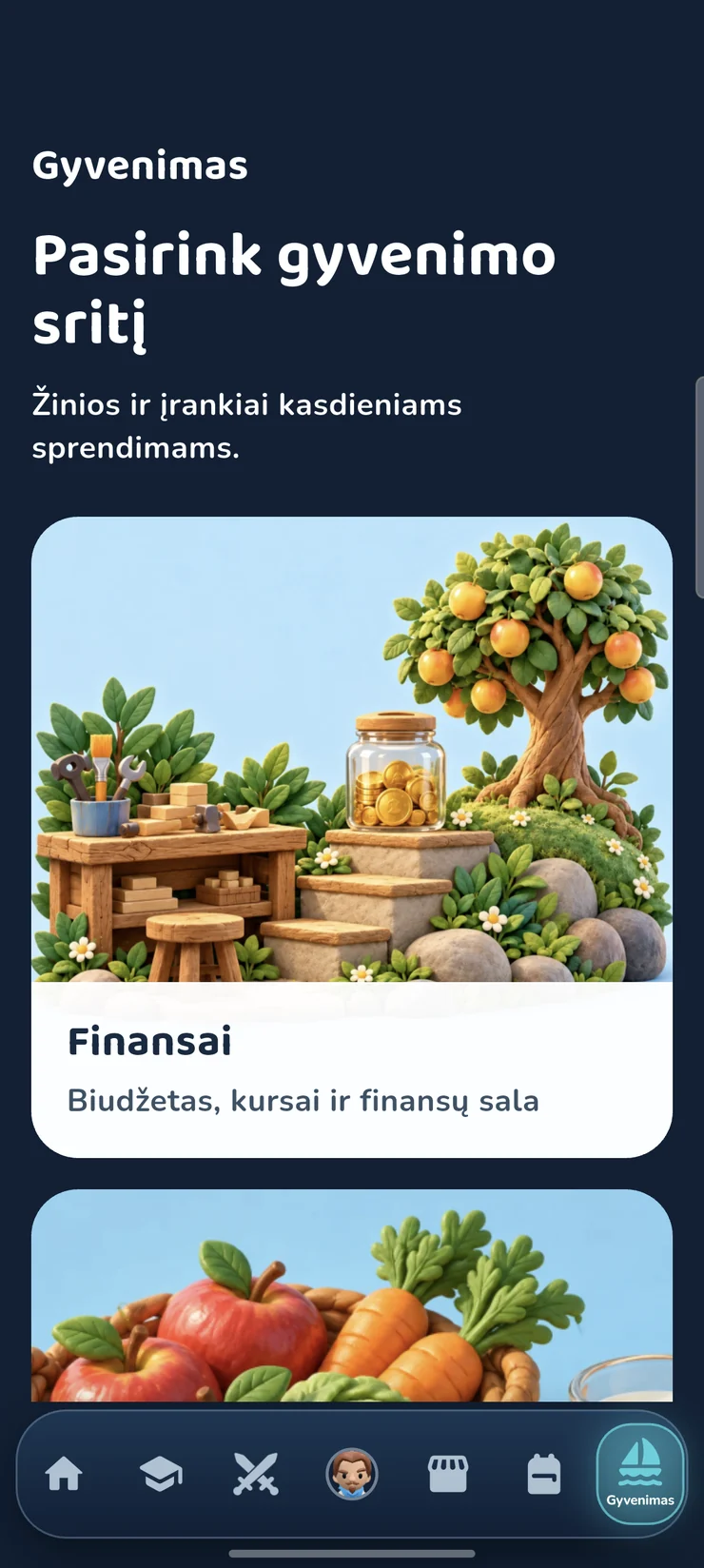
School on a computer too In development
A big screen is more comfortable for longer work. The computer has only the school part: tasks, class work, the timetable and topics. Duels and the island stay on the phone.
There are other ways to learn
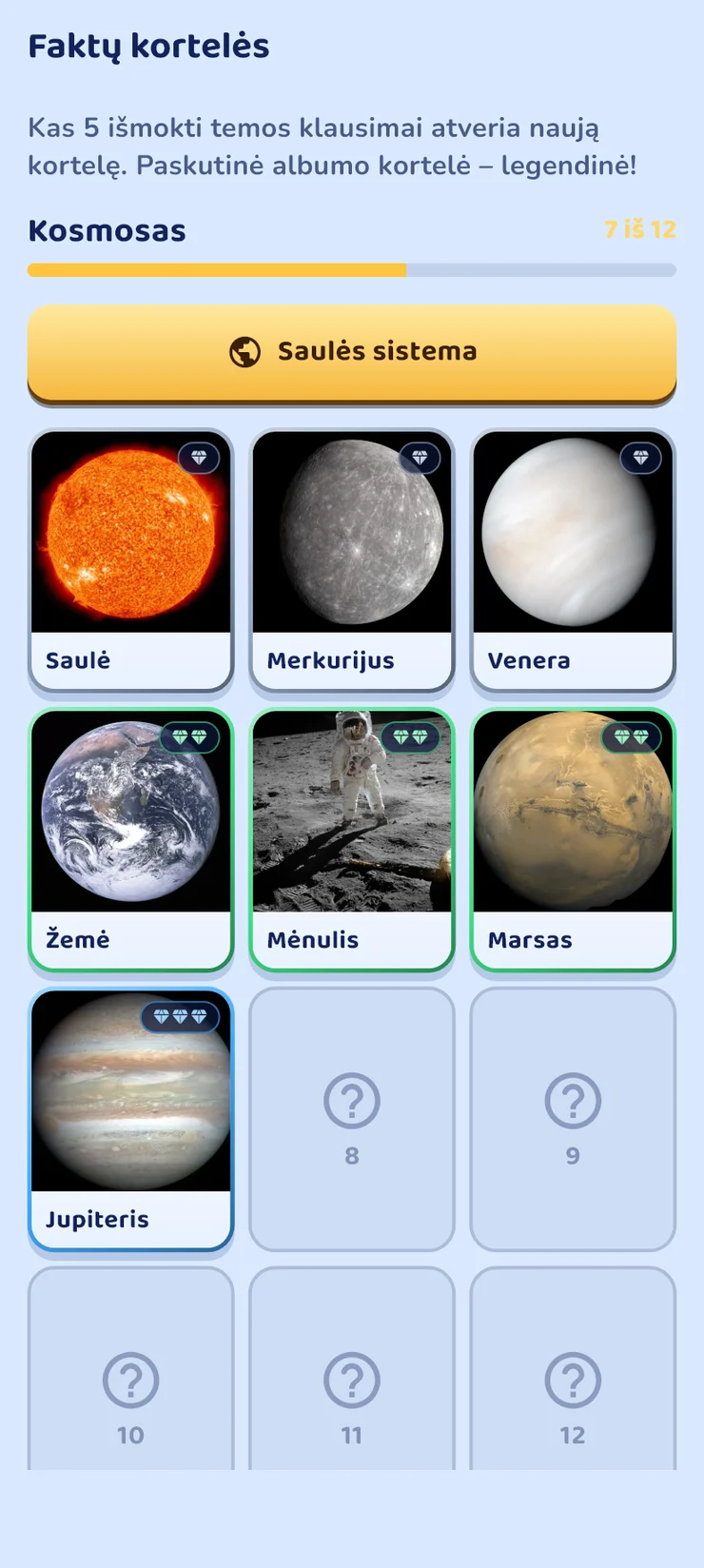
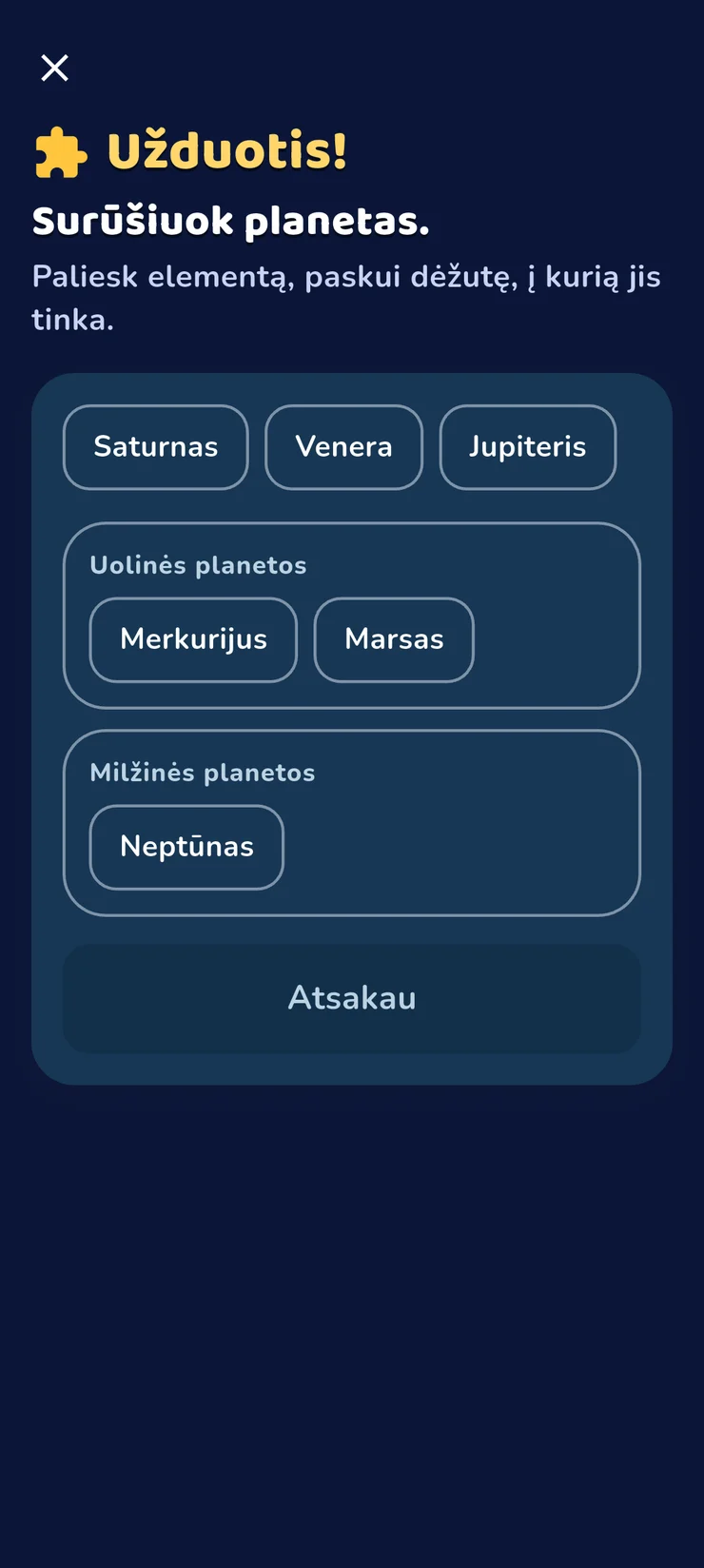
Not just questions: you collect cards, put things in order, look for places on a map and get ready for the assessment.
Money: a course and a game
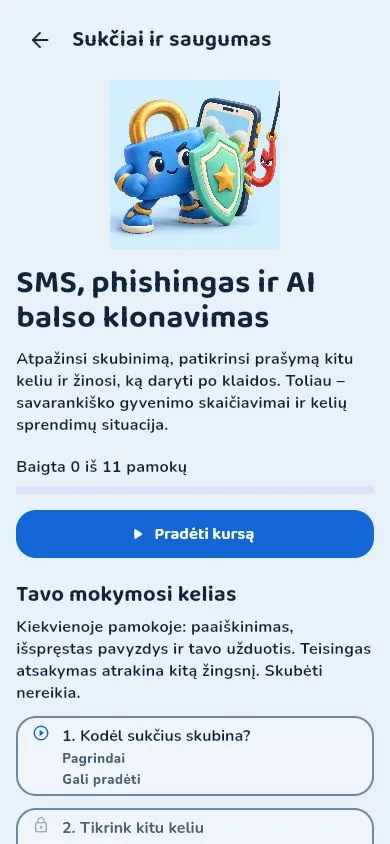
In the “Life” section there are 27 courses that cover almost the whole world of money: from the first coin to taxes, loans and investing. The lessons use real Lithuanian examples: VAT, income tax (GPM), Sodra social insurance, bank interest. And on the islands you try it all out in a game.
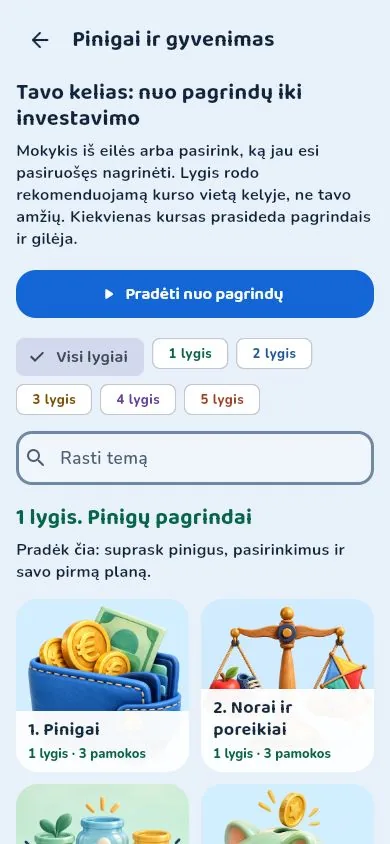
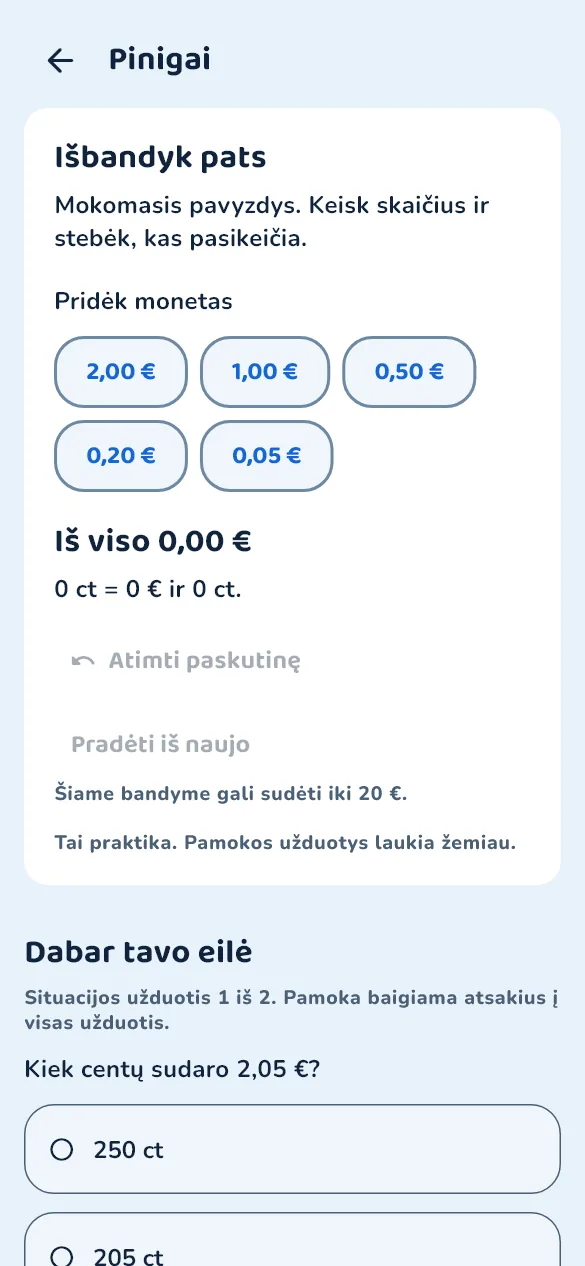
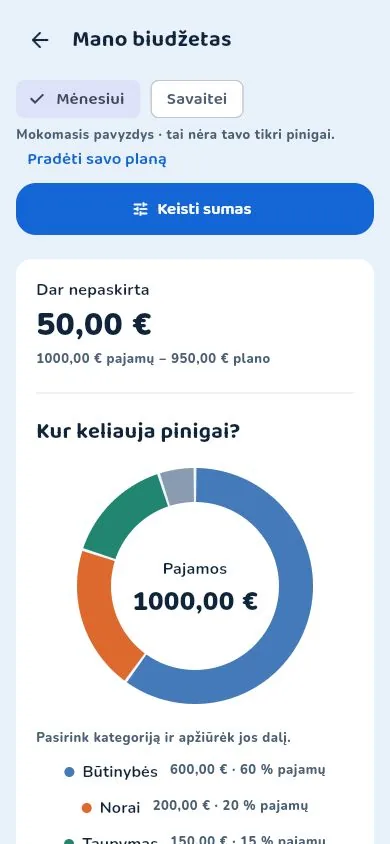
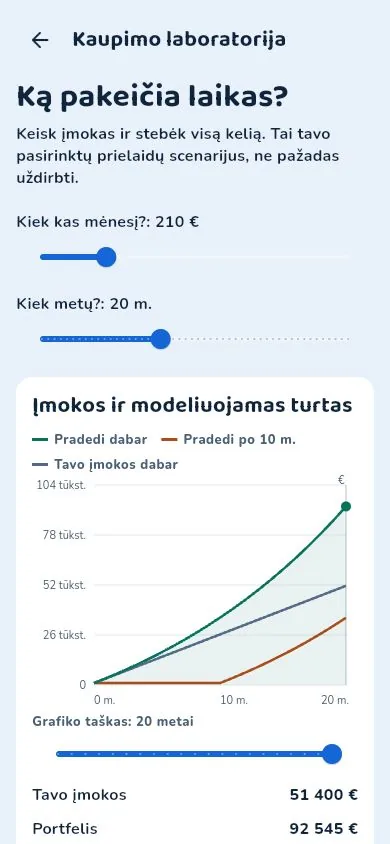
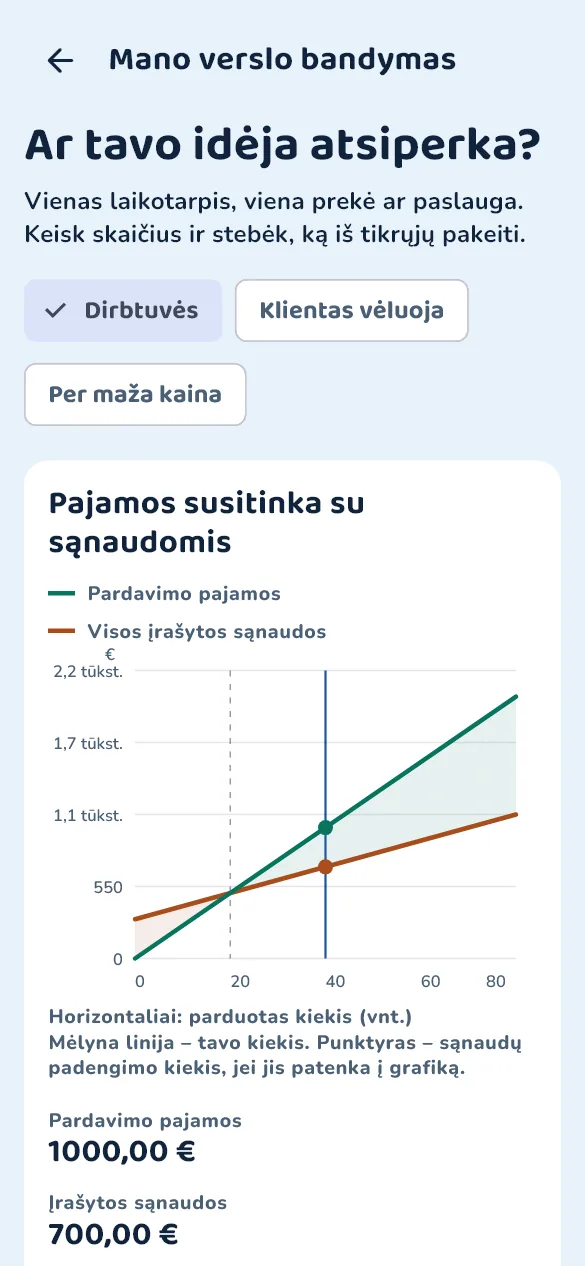
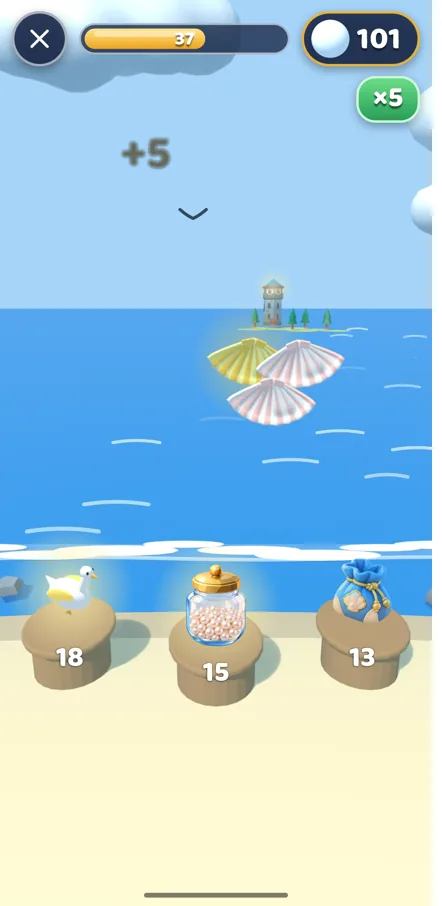
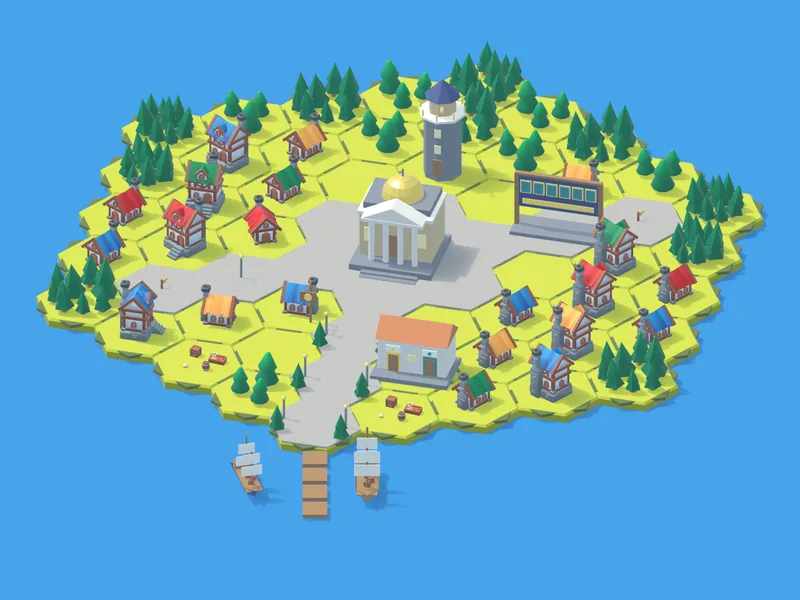
Six islands – the same real lessons
On the islands the course topics become a game. On an island you pay your workers a salary, deduct income tax (GPM) and Sodra from it, take a loan with interest, share dividends. One lesson each day, and the task you do at home with your parents. You earn pearls, split them into investments, dreams and the wallet, and build and grow your own little town.
-
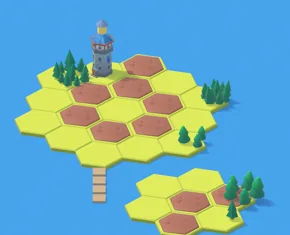
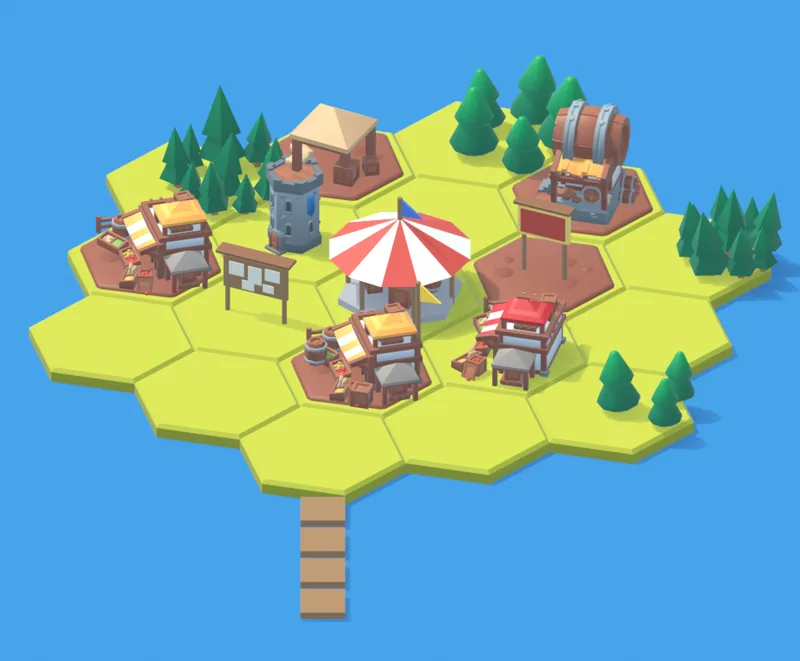
1Pearl Island
Challenge: “Storm Week”
- Earn
- Split 50/40/10
- Save for a dream
- Spot a deception
- Debt
-
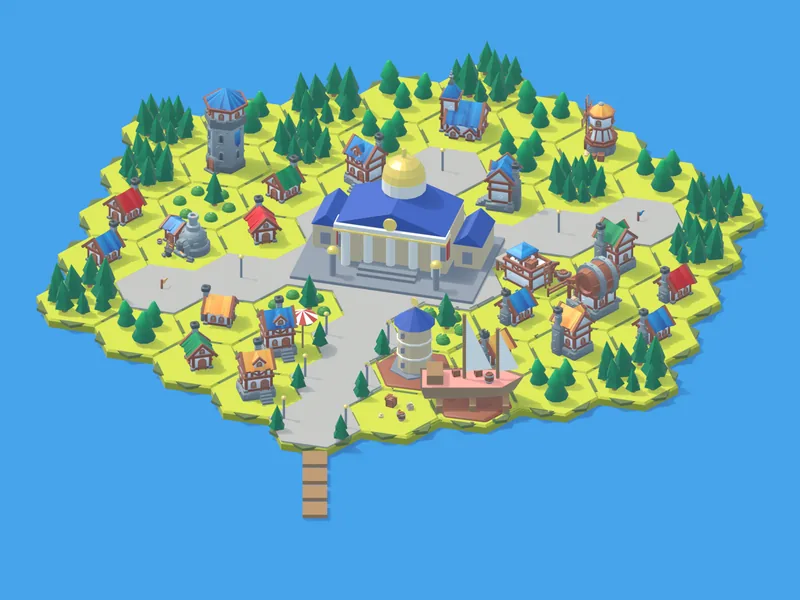
2Market Island
Challenge: “The Great Fair”
- Budget
- Price per kilogram
- Fake discounts
- Place and advertising
- Seasons
-
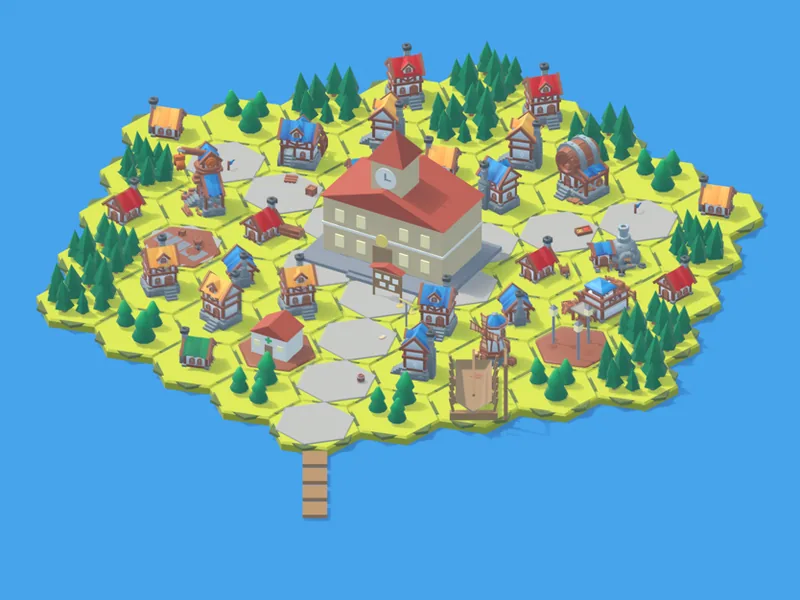
3Bank Island
Challenge: “A Ship on Credit”
- Account
- Interest
- Loan and repayment
- Cards
- Insurance
-
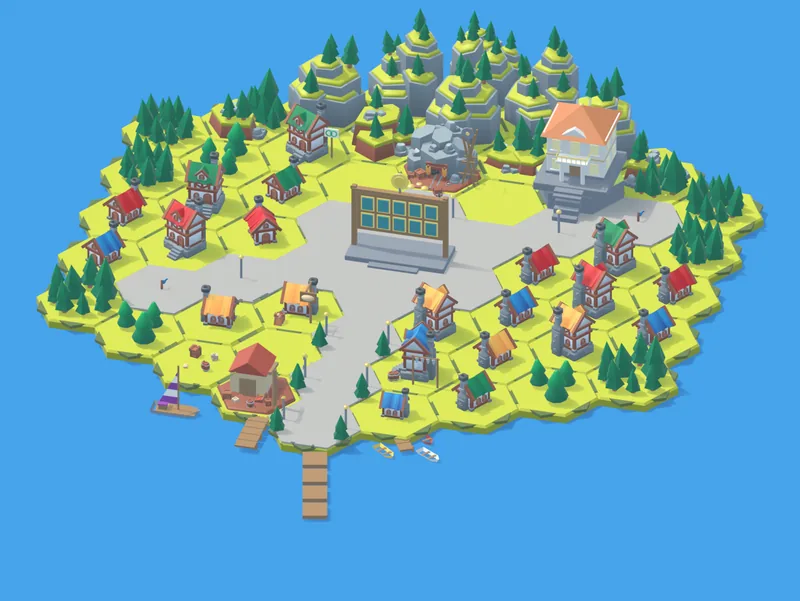
4Work Island
Challenge: “Payday in the Storm”
- Salary “on paper” and “in hand”
- GPM
- Sodra
- Contracts
- Profit
-
5Investors' Island
Challenge: “Convince the Investor”
- Loan or partner
- A share of the company
- Dividends
- Pitch to an investor
-
6Harbour City with a Stock Exchange
Challenge: “The Exchange Storm”
- Shares
- Funds and indexes
- Diversification
- Holding long term
What WonderBrain gives you
Learning will feel like playing – and you will see yourself getting stronger.
-
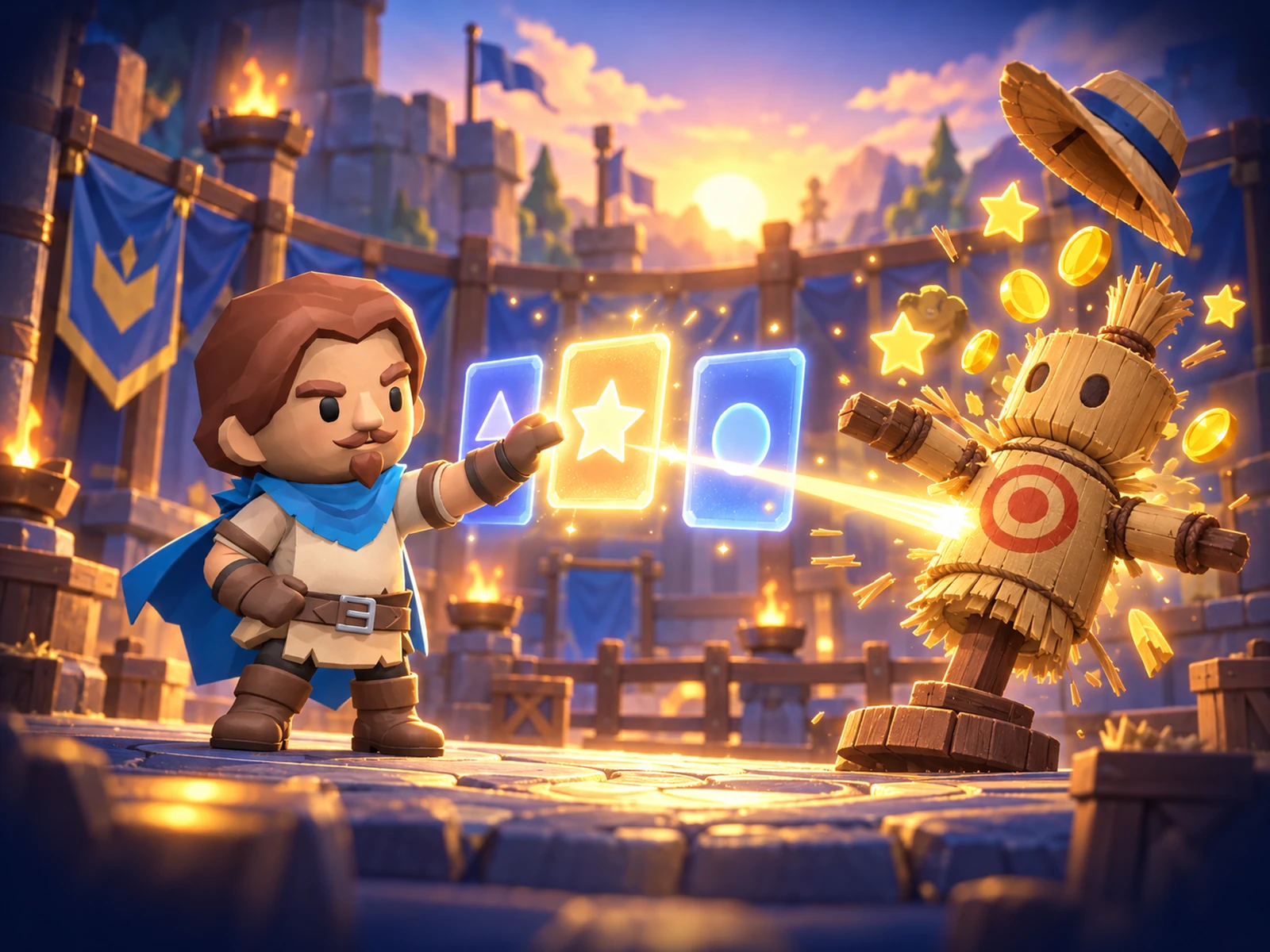
You learn as you play
Every week – your class's topics. Correct answers earn coins, and after each answer you find out why.
- When you have learned something, the app reminds you after 1, 3 and 7 days – so you do not forget
- At the end of the week – a challenge
- If you do not read yet, the questions are read aloud
- New questions every week
- You can learn without internet too
-
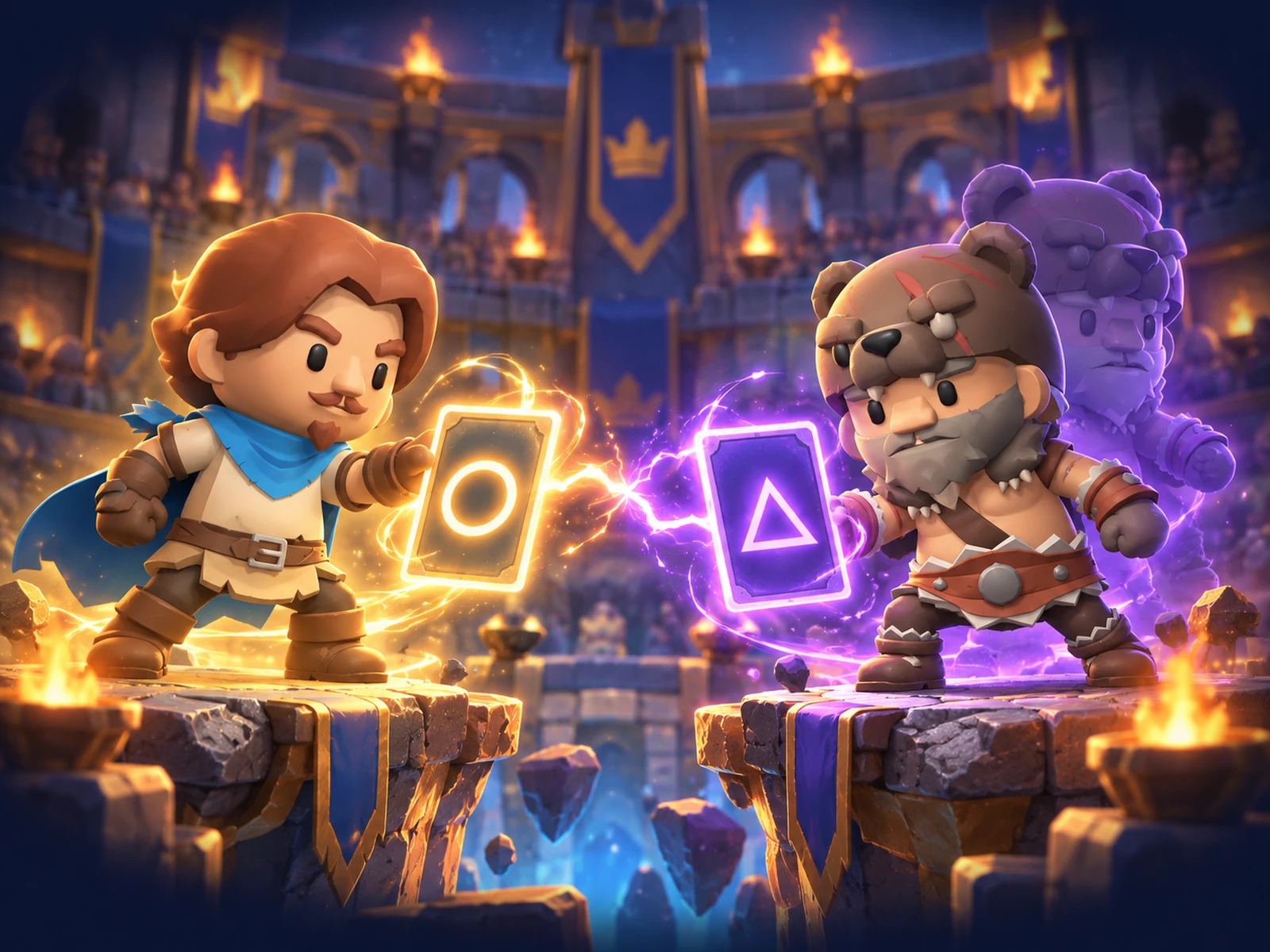
Fights with real children – ever stronger ones
You both get the same question, and the winner is whoever answers correctly and faster. The more you win, the higher your rank and the stronger your opponents.
- Your opponent is always at your level – a fair fight
- 10 ranks from Wood to Diamond, each with its own arena
- Pressing anything at random does not pay off – you really have to know
- Ghost battle – even without the internet
- In grades 1–4 the heroes don't fight – a correct answer makes stars burst out
-
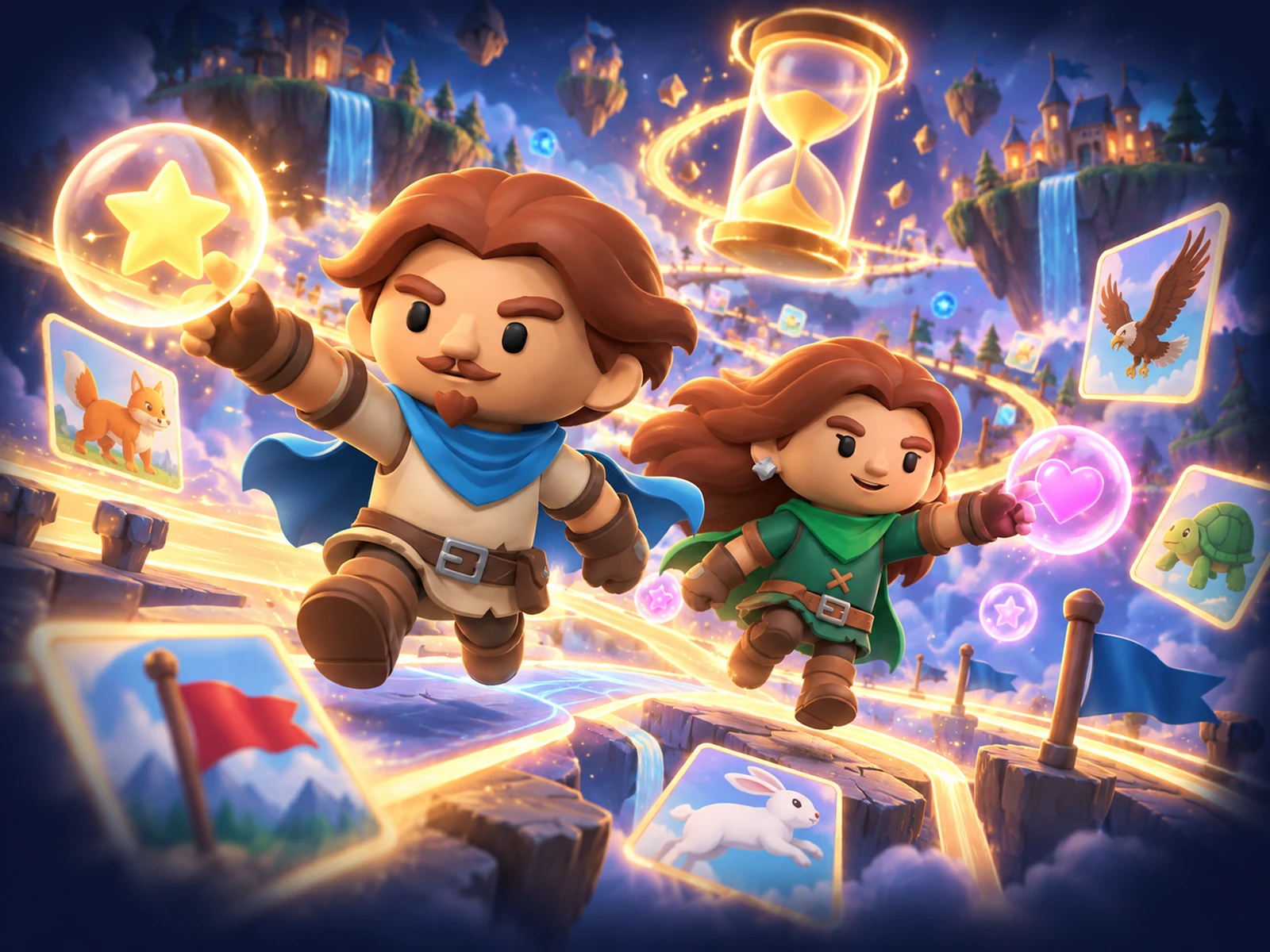
Who is faster this week?
Speed challenges: flags, capitals, animals.
- A reaction game with bubbles
- Monthly tables – you see where you rank
-
The teacher's tasks – in the same app
These are the tasks your teacher assigned you, with a deadline. You need no other app.
- You see how many tasks are waiting and until when
- Always free
- A live game in class – you join with a code
-

A hero you dress yourself
You get coins for correct answers and buy clothes, effects and dances.
- Achievements and titles that others can see
- Daily gift
What school did not teach
Life tasks: real jobs, step by step. At each step – why it is done this way and what happens if not.
Money
- I save for a big purchase
- I buy my first phone
- I sell a valuable item
- First job and taxes
Home and health
- I bake pancakes
- I tidy my room
- I sort the rubbish
- I drink enough water
Safety and travel
- I cross the road safely
- I call the emergency services, 112
- I travel by train
- I pack for a camping trip
In preparation: a pocket-money budget, safe online shopping, how advertising works, a small business of your own.
What you learn
The same subjects as at school.
-
Maths
-
Lithuanian language
-
English
-
Natural sciences
-
Social studies
And more
Friends
- You add friends only with a code – strangers cannot find you
- Friends see your hero and rank, not your grades
Your language
- Lithuanian, English, Latvian, Estonian and Polish

One app, three people
- Teacher sets the work for the class
- Child does it on a phone, like a game
- Parents see how it is going and where to help
Start with your own class
Sign up and in a few minutes you will have your first task ready.